

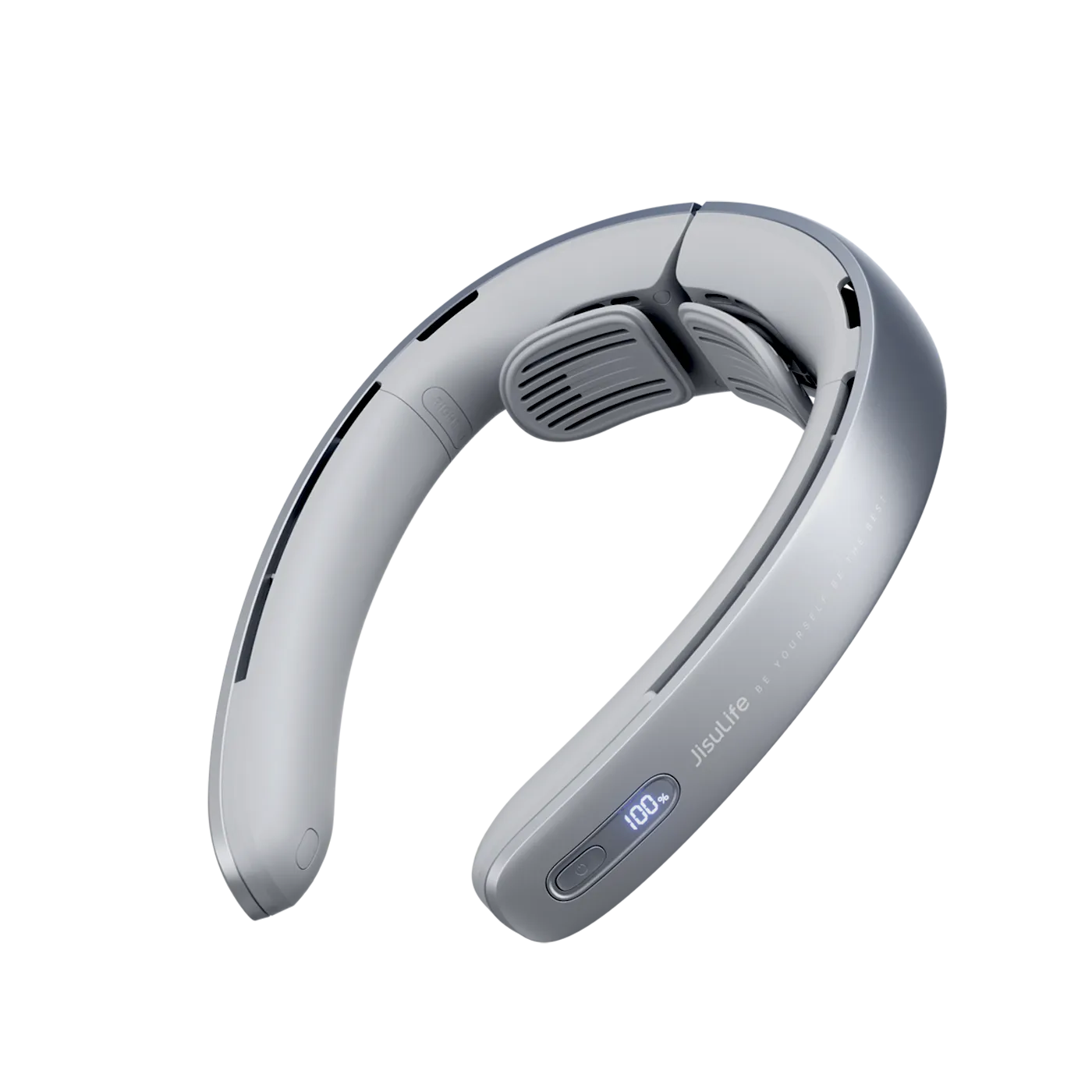
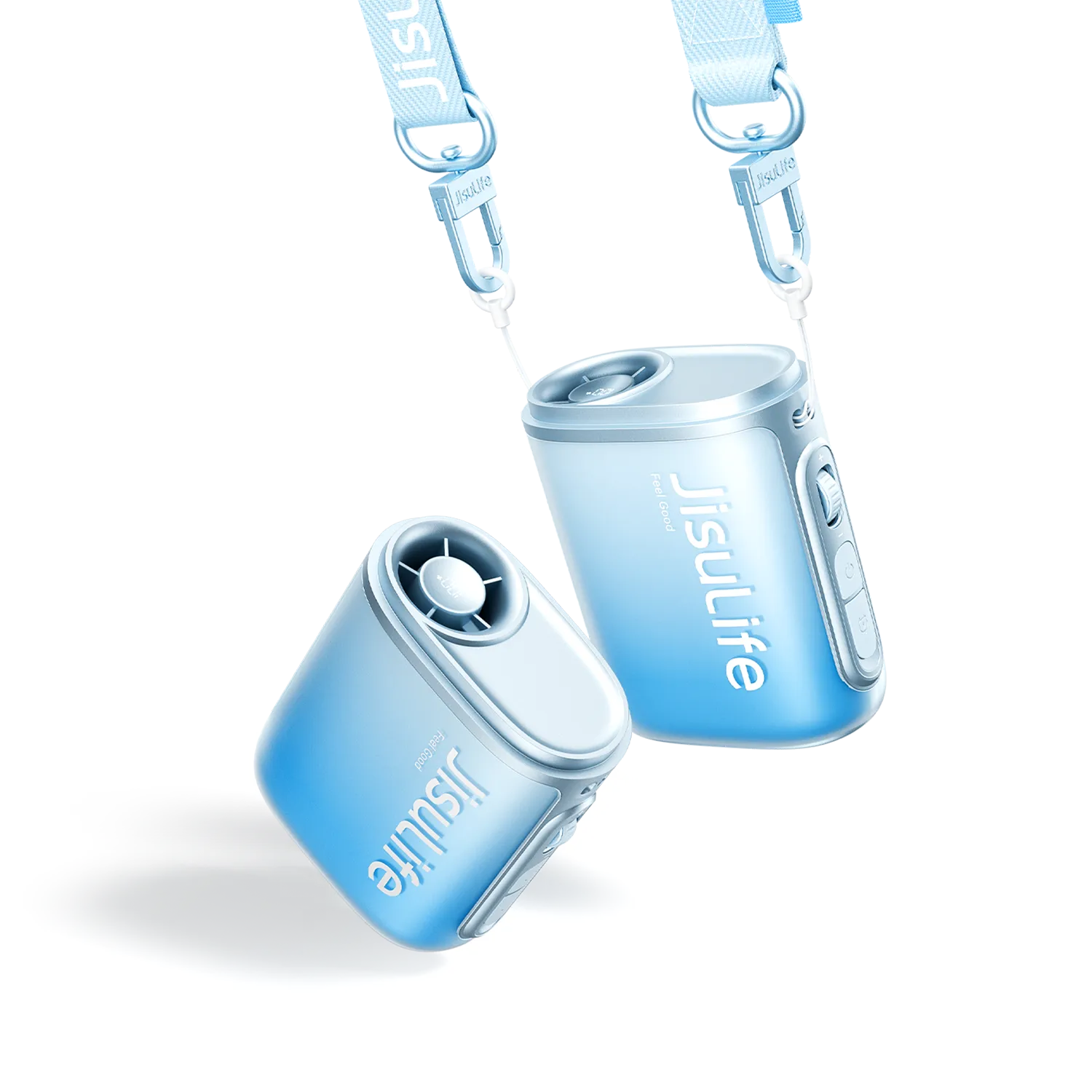
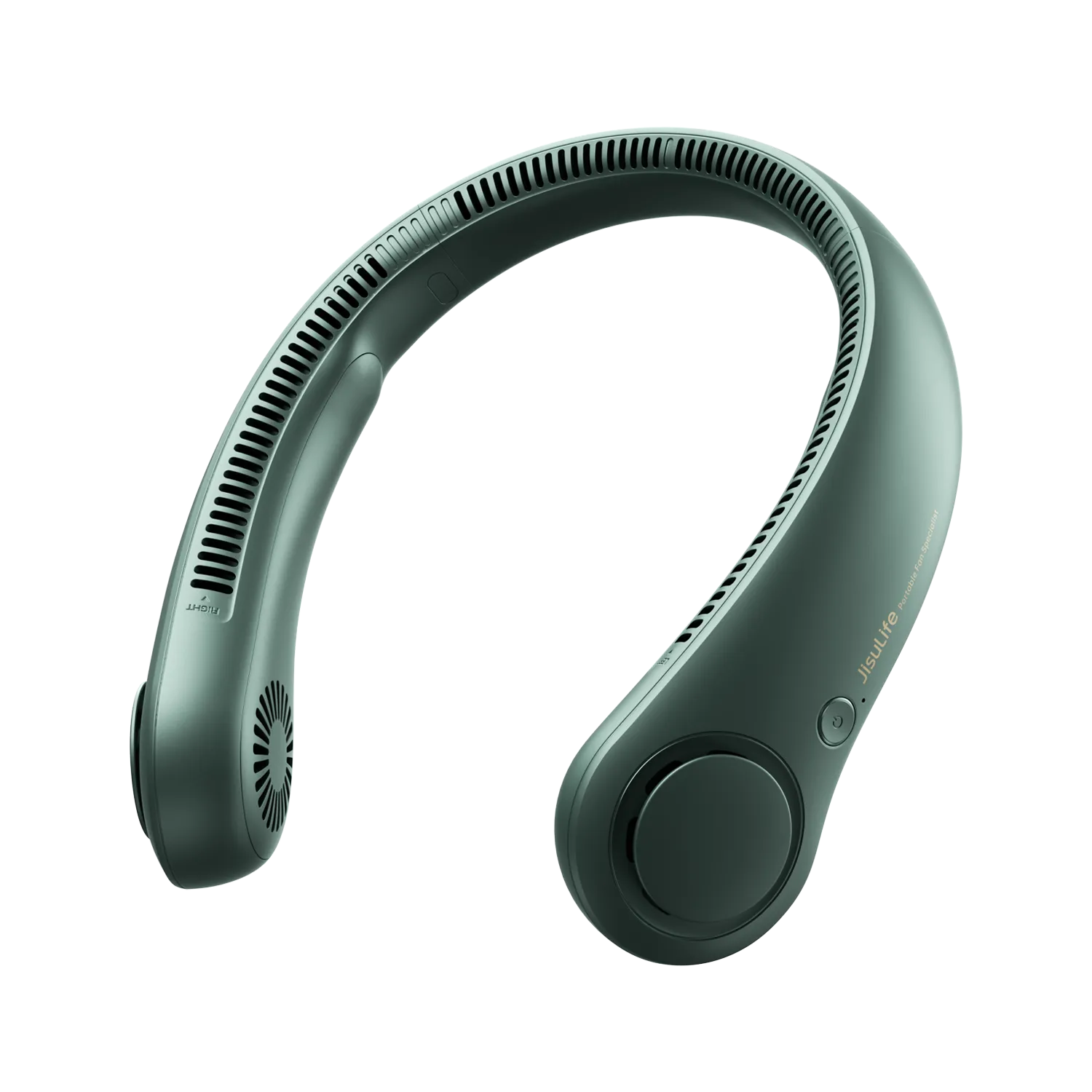
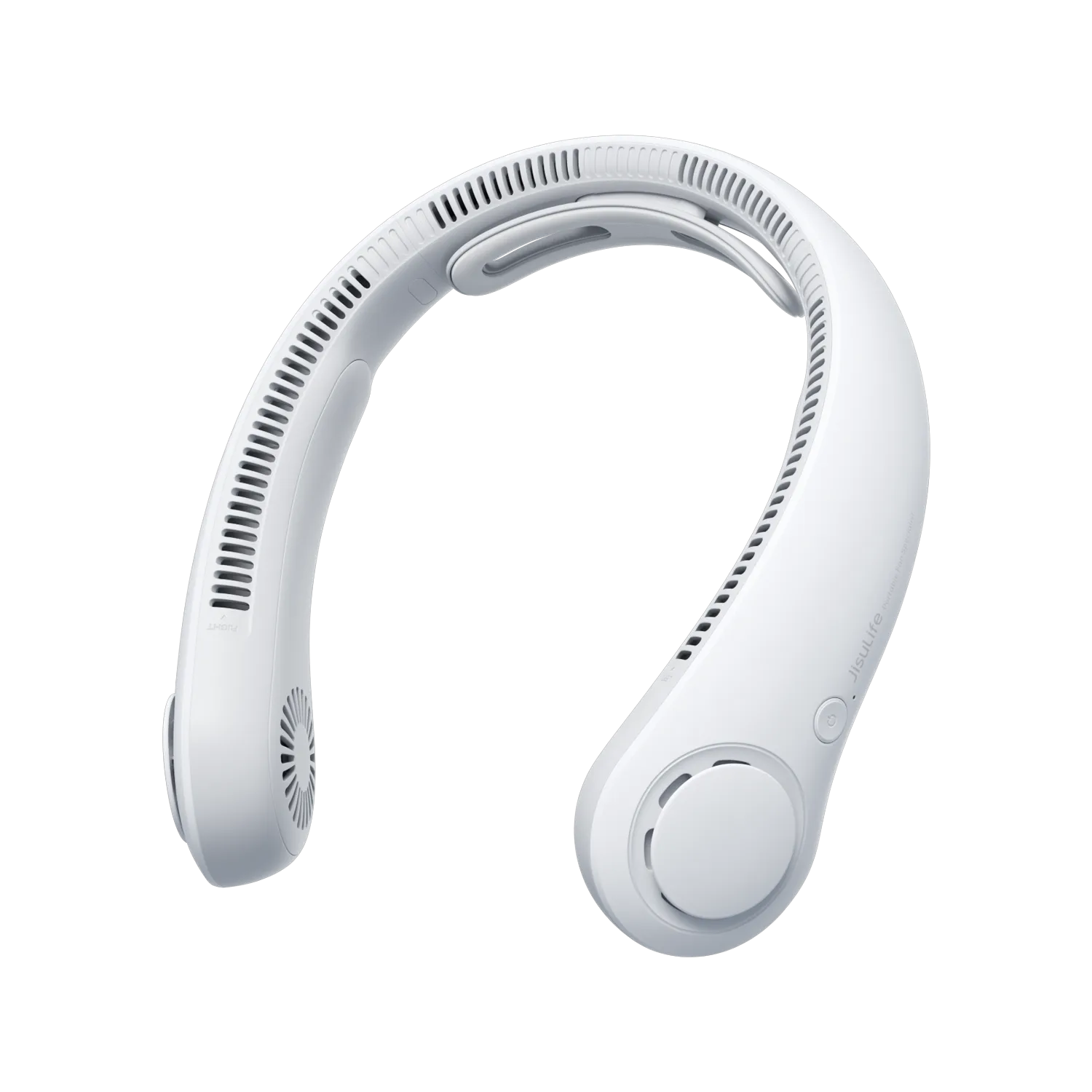


Kipas portabel yang tidak bisa dimatikan sering merespons reset sederhana. Tahan tombol daya selama 10 hingga 15 detik. Ini menghapus banyak gangguan sementara pengontrol. Selalu periksa dulu panas, pembengkakan, atau bau tidak biasa di sekitar area baterai. Tanda-tanda itu berarti Anda harus berhenti dan mengisolasi perangkat segera.
Banyak pemilik menghadapi masalah ini setelah bepergian atau penggunaan berat. Kipas terus berputar dan menguras baterai. Anda merasa frustrasi dan khawatir kerusakan. Pemeriksaan cepat dapat mengembalikan kontrol dalam sebagian besar kasus aman. Langkah berikut membantu Anda memutuskan apa yang harus dicoba selanjutnya tanpa risiko keselamatan atau membatalkan garansi.
Tindakan Cepat untuk Mematikan Kipas Portabel yang Tidak Bisa Dimatikan
Mulailah dengan langkah termudah sebelum mengira ada kerusakan lebih dalam. Tindakan ini menyelesaikan sebagian besar situasi tombol daya yang macet.
Lakukan Reset Tahan Standar
Tekan dan tahan tombol daya dengan kuat selama 10 hingga 15 detik. Banyak pengontrol digital menghapus gangguan dengan cara ini. Lepaskan tombol dan tunggu beberapa saat. Kipas harus berhenti.
Jika tidak ada perubahan, ulangi tahan tombol sekali lagi. Beri waktu satu menit agar unit stabil. Metode ini berhasil untuk sebagian besar model isi ulang sesuai pola pemecahan masalah umum.
Biarkan Baterai Habis Sepenuhnya
Jika reset gagal dan perangkat tetap dingin, biarkan baterai habis secara alami. Tempatkan kipas di permukaan stabil jauh dari bahan mudah terbakar. Pantau dari jarak jauh sampai berhenti sendiri.
Pendekatan ini menghindari paksa dan melindungi komponen internal. Memakan waktu tapi sering kali mereset sistem sepenuhnya.
Coba Siklus Pengisian Singkat
Colokkan kipas ke pengisi dayanya selama dua hingga tiga menit, lalu cabut. Kadang siklus daya parsial membangunkan pengontrol. Coba tahan reset lagi setelahnya.
Tindakan cepat ini menyelesaikan banyak kasus tanpa alat. Pantau apa yang terjadi setelah setiap tindakan. Catat perubahan pada rasa tombol atau suara. Informasi ini membantu jika masalah muncul kembali.
Mengidentifikasi Penyebab Utama Tombol Daya Kipas yang Membeku
Setelah langkah langsung gagal, periksa lebih dekat kemungkinan penyebabnya. Penyebab berbeda menunjukkan perbaikan yang berbeda. Ini membantu Anda menghindari kekhawatiran yang tidak perlu.
Aktivasi Mode Kunci Perjalanan
Beberapa kipas dilengkapi dengan fitur kunci perjalanan. Tekan lama atau urutan tertentu dapat mengaktifkannya secara tidak sengaja. Tombol tampak tidak responsif meskipun perangkat berfungsi normal. Periksa petunjuk asli Anda untuk pola membuka kunci. Banyak model memerlukan ketukan ganda atau tahan selama tiga detik dalam mode tertentu.
Penumpukan Debu atau Serat
Kotoran saku sering tersangkut di dalam rumah tombol. Ini mencegah saklar kembali ke posisi mati. Kipas tetap menyala dan tombol terasa kaku atau lembek. Pembersihan lembut dengan udara bertekanan atau sikat lembut dapat membebaskan mekanisme dalam banyak kasus.
Dampak Paparan Kelembapan
Keringat atau kelembapan tinggi menyebabkan korsleting sementara di sirkuit kontrol. Kipas mengabaikan tekan tombol atau tetap aktif setelah perubahan mode. Masalah ini lebih sering muncul setelah aktivitas luar ruangan atau penyimpanan di tempat lembap. Keringkan bagian luar dengan baik sebelum pengujian lebih lanjut.
Penyebab ini menjelaskan mengapa kipas yang berfungsi kemarin tiba-tiba menolak untuk dimatikan. Bedakan sejak awal. Kunci lunak atau masalah kotoran biasanya masih bisa diperbaiki di rumah. Masalah yang terus berlanjut setelah pengeringan dan pembersihan mungkin memerlukan bantuan luar.
Pemeriksaan Keamanan yang Harus Dilakukan Sebelum Mencoba Perbaikan Manual Kipas
Keamanan selalu yang utama. Tanda-tanda tertentu berarti Anda harus menghentikan semua upaya untuk memperbaiki kipas sendiri.
Mulailah setiap sesi dengan merasakan gagang dan kompartemen baterai. Permukaan harus terasa normal saat disentuh. Selanjutnya periksa casing luar untuk tonjolan, melengkung, atau kebocoran. Salah satu dari ini menunjukkan kemungkinan stres baterai.
Tabel di bawah membandingkan kondisi aman dengan sinyal berhenti segera. Gunakan untuk memutuskan apakah akan melanjutkan pemecahan masalah.
| Kondisi | Aman untuk Dilanjutkan | Segera Hentikan dan Isolasi |
|---|---|---|
| Suhu | Dingin atau sedikit hangat | Panas saat disentuh |
| Penampilan | Bentuk normal, tidak ada distorsi | Pembengkakan atau tonjolan |
| Bau | Tidak ada atau bau plastik normal | Bau terbakar atau kimia |
| Respons Tombol | Kaku tapi berfungsi | Tidak merespons sama sekali setelah reset |
Tempatkan kipas di permukaan yang tidak mudah terbakar selama pemeriksaan. Jauhkan anak-anak dan hewan peliharaan. Tindakan pencegahan ini melindungi Anda dan perangkat. Ini juga menjaga opsi Anda untuk layanan garansi nanti.
Jika semuanya terlihat normal, lanjutkan ke langkah reset lagi. Catat setiap pengamatan. Catatan ini sangat berguna jika Anda menghubungi dukungan.
Pemecahan Masalah Kipas Portabel: Langkah Aman Berikutnya
Ikuti pemeriksaan secara berurutan. Hentikan upaya DIY segera jika Anda merasakan panas, pembengkakan, atau bau terbakar, dan hubungi dukungan jika kipas masih tidak mau mati setelah pemeriksaan dasar yang aman.

Mengetahui Kapan Kipas yang Rusak Tidak Lagi Aman Digunakan
Beberapa situasi memerlukan perhatian profesional daripada usaha di rumah yang berkelanjutan. Kenali batasan ini untuk menghindari masalah yang lebih besar.
Segera hentikan penggunaan jika tercium bau kimia atau terbakar. Aturan yang sama berlaku untuk panas berlebih atau pembengkakan yang terlihat. Tanda-tanda ini menunjukkan kemungkinan kegagalan baterai. Pindahkan perangkat ke tempat aman di luar ruangan jauh dari bahan mudah terbakar. Jangan coba reset atau bersihkan lebih lanjut.
Jangan pernah membuka casing sendiri. Tindakan ini membatalkan sebagian besar garansi dan berisiko merusak baterai lithium. Produsen merancang unit ini sebagai sistem tertutup dengan alasan yang baik.
Hubungi dukungan jika kipas terus menyala setelah baterai habis total dan upaya reset berhasil. Berikan detail yang Anda catat selama pemeriksaan keamanan. Informasi ini mempercepat diagnosis mereka.
Panduan resmi keamanan baterai lithium-ion menekankan isolasi perangkat yang menunjukkan tanda peringatan ini. Ikuti saran tersebut untuk melindungi diri dan lingkungan sekitar.
Kebiasaan Sederhana untuk Menjaga Kipas Portabel Anda Berfungsi dengan Baik Selama Bertahun-tahun
Perawatan yang baik mencegah banyak masalah kontrol daya sejak awal. Rutinitas kecil membuat perbedaan besar seiring waktu.
Simpan kipas dalam kotak atau kantong khusus. Ini menjaga debu dan serat menjauh dari area tombol. Bersihkan bagian luar dengan kain kering setelah setiap penggunaan, terutama setelah aktivitas di luar ruangan.
Isi daya perangkat di lingkungan kering dengan suhu sedang. Hindari kamar mandi atau area dengan kelembapan tinggi. Cabut kabel setelah pengisian selesai, jangan biarkan terhubung dalam waktu lama.
Lakukan reset lembut setiap beberapa minggu meskipun kipas berfungsi normal. Kebiasaan ini menjaga responsivitas pengontrol. Ini juga membantu Anda mendeteksi perubahan perilaku lebih awal.
Periksa port pengisian secara rutin dari kotoran. Gunakan tusuk gigi kayu dengan lembut jika diperlukan. Langkah-langkah ini memperpanjang umur baterai dan menjaga tombol tetap berfungsi lancar.
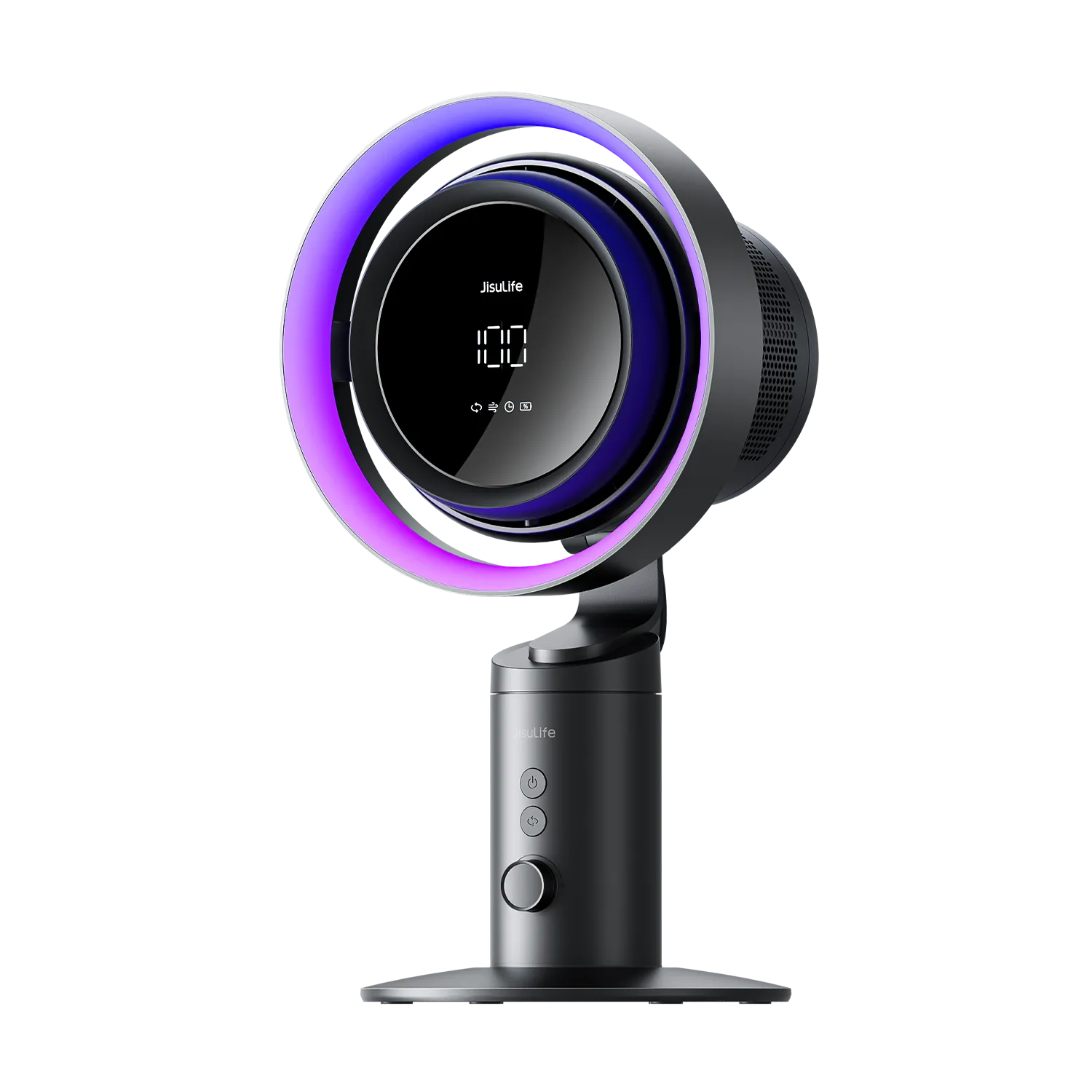
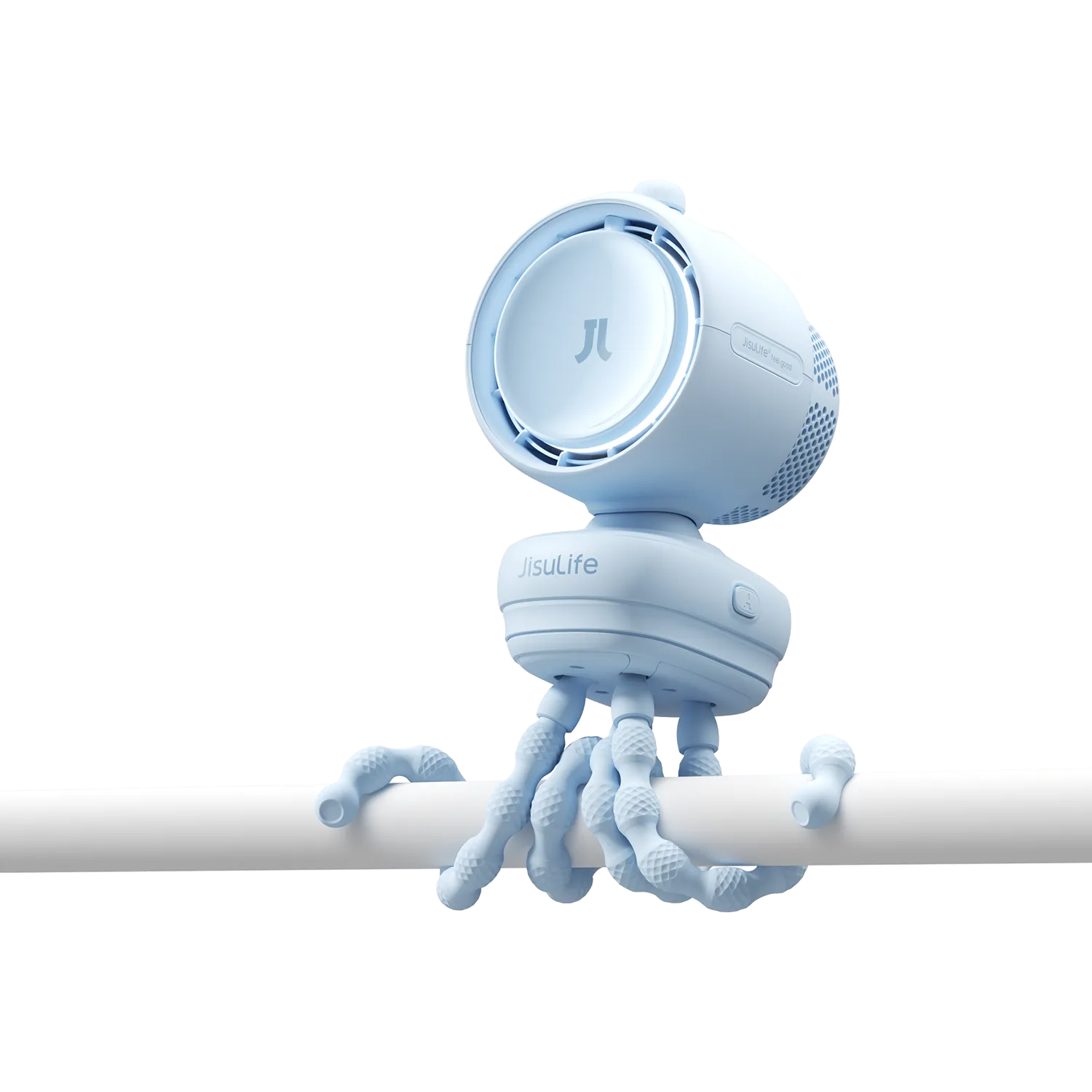
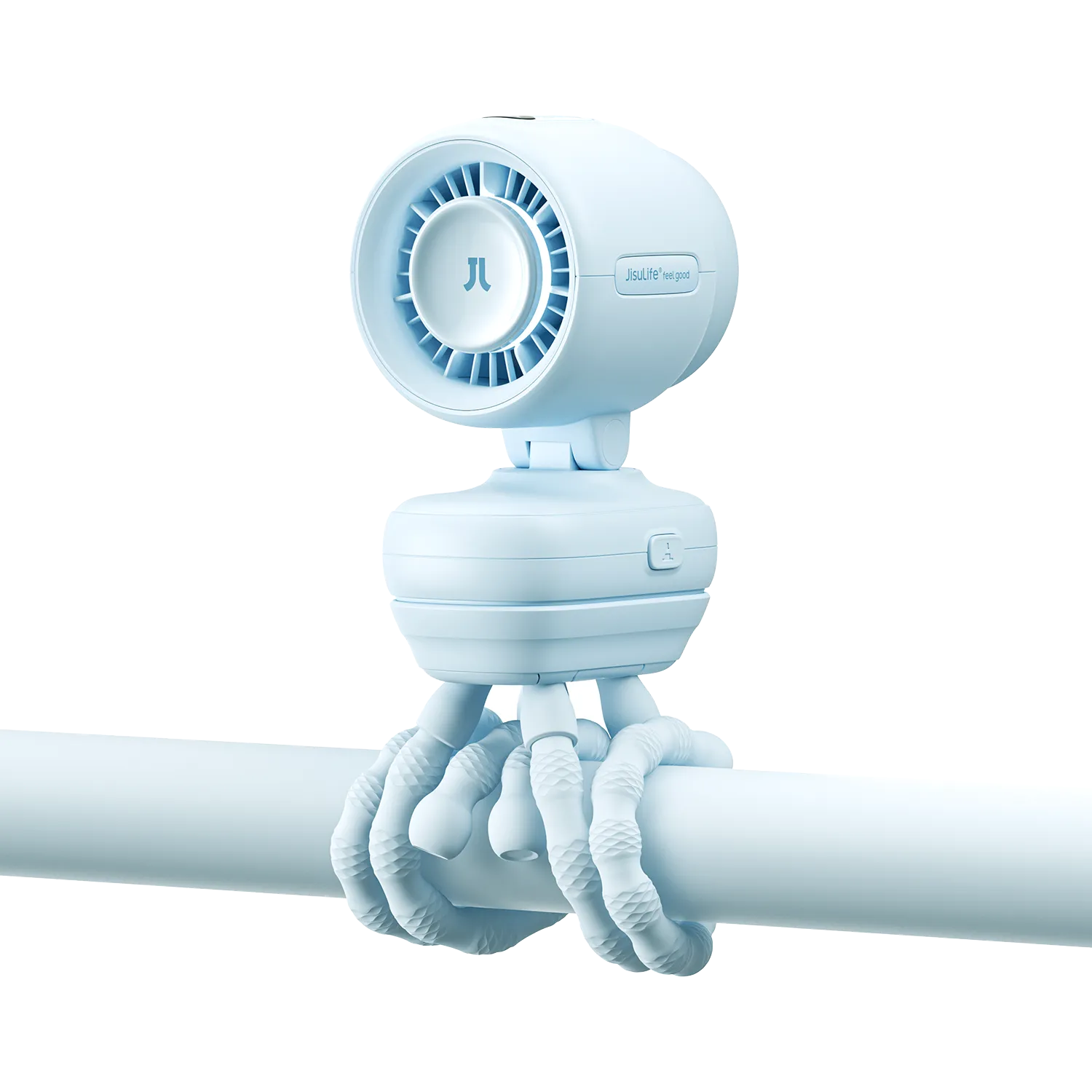
Juga perlu dicatat — sebelum menganggap ada yang salah, pastikan Anda menekan tombol yang benar. Pada JisuLife Ultra2, misalnya, saklar kipas ada di bagian depan perangkat, sedangkan saklar lampu ada di sisi. Mudah untuk menekan salah satu ketika Anda bermaksud menekan yang lain, terutama dalam cahaya redup. Jika kipas tidak merespons pada awalnya, coba kedua tombol, Anda mungkin akan menemukan kipas merespons segera setelah Anda menemukan saklar yang benar.

Ambil Tindakan Hari Ini untuk Mengembalikan Kontrol
Kipas portabel yang tetap menyala menyebabkan pengurasan baterai yang tidak perlu dan frustrasi. Sebagian besar kasus dapat diatasi dengan reset sederhana, verifikasi keselamatan, atau pembersihan ringan. Namun, ketika tanda peringatan muncul, pilihan paling aman adalah berhenti dan mencari dukungan produsen. Perawatan rutin dan penyimpanan yang tepat mengurangi terjadinya kembali masalah. Terapkan langkah-langkah ini dan nikmati pendinginan yang andal untuk musim yang akan datang.
Pertanyaan yang Sering Diajukan
Q1: Berapa lama saya harus menahan tombol daya untuk mereset kipas portabel saya?
Sebagian besar pengguna melihat hasil setelah menekan selama 10 hingga 15 detik secara stabil. Lepaskan perlahan dan tunggu 30 detik sebelum mencoba lagi. Ulangi sekali jika perlu. Durasi ini menghapus memori pengontrol pada sebagian besar model yang dapat diisi ulang tanpa merusak komponen.
Q2: Apakah kelembapan dapat merusak saklar daya pada kipas portabel secara permanen?
Kelembapan sering menyebabkan gangguan sementara daripada kerusakan permanen. Pengeringan menyeluruh selama 24 jam di tempat yang hangat dan kering mengembalikan fungsi dalam banyak situasi. Masalah yang berlanjut setelah pengeringan menunjukkan masalah yang lebih dalam yang perlu evaluasi profesional.
Q3: Apa yang harus saya lakukan jika kipas portabel saya terasa panas saat tetap menyala?
Segera hentikan penggunaan perangkat. Pindahkan ke area luar yang aman dari kebakaran dan jauh dari orang serta hewan peliharaan. Jangan mencoba reset atau pengisian daya. Hubungi produsen atau otoritas limbah setempat untuk panduan pembuangan yang aman karena ini menunjukkan kemungkinan kerusakan baterai.
Q4: Apakah aman membuka casing dan membersihkan bagian dalam kipas portabel yang tidak bisa dimatikan?
Membuka casing berisiko menusuk baterai, korsleting, dan kehilangan cakupan garansi. Batasi upaya Anda pada pembersihan bagian luar dengan udara bertekanan atau sikat lembut. Akses internal harus tetap dilakukan oleh pusat layanan resmi saja.
Q5: Kapan kipas portabel yang tetap menyala memenuhi syarat untuk penggantian garansi?
Masalah ini memenuhi syarat untuk tinjauan garansi ketika reset dasar, pengosongan baterai penuh, dan pengeringan yang tepat gagal mengembalikan fungsi normal dan tidak ada kerusakan fisik yang terlihat. Kumpulkan detail pembelian dan catatan pemeriksaan keselamatan sebelum menghubungi dukungan untuk penyelesaian tercepat.



Tinggalkan komentar
Semua komentar dimoderasi sebelum dipublikasikan.
Situs ini dilindungi oleh hCaptcha dan berlaku Kebijakan Privasi serta Ketentuan Layanan hCaptcha.