




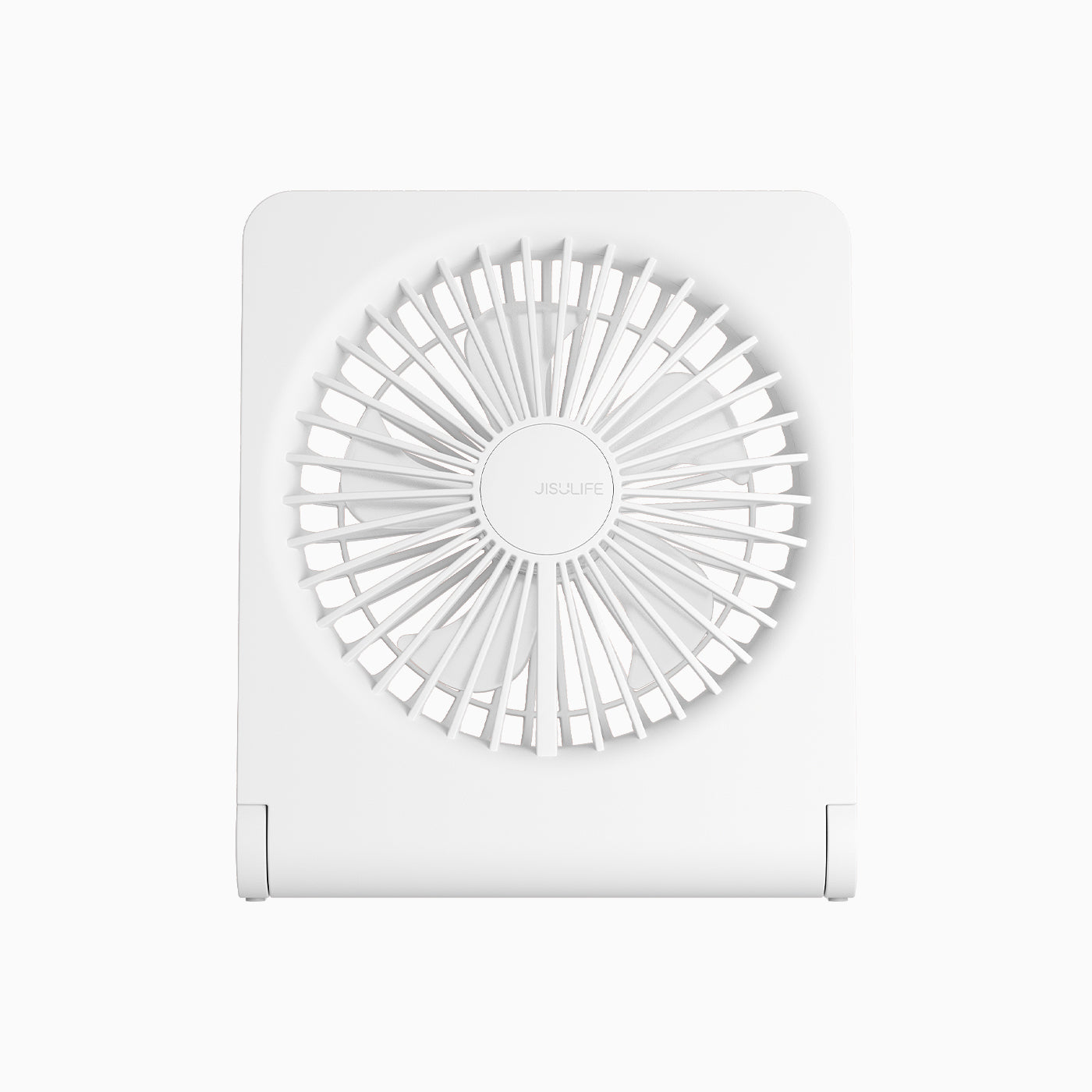
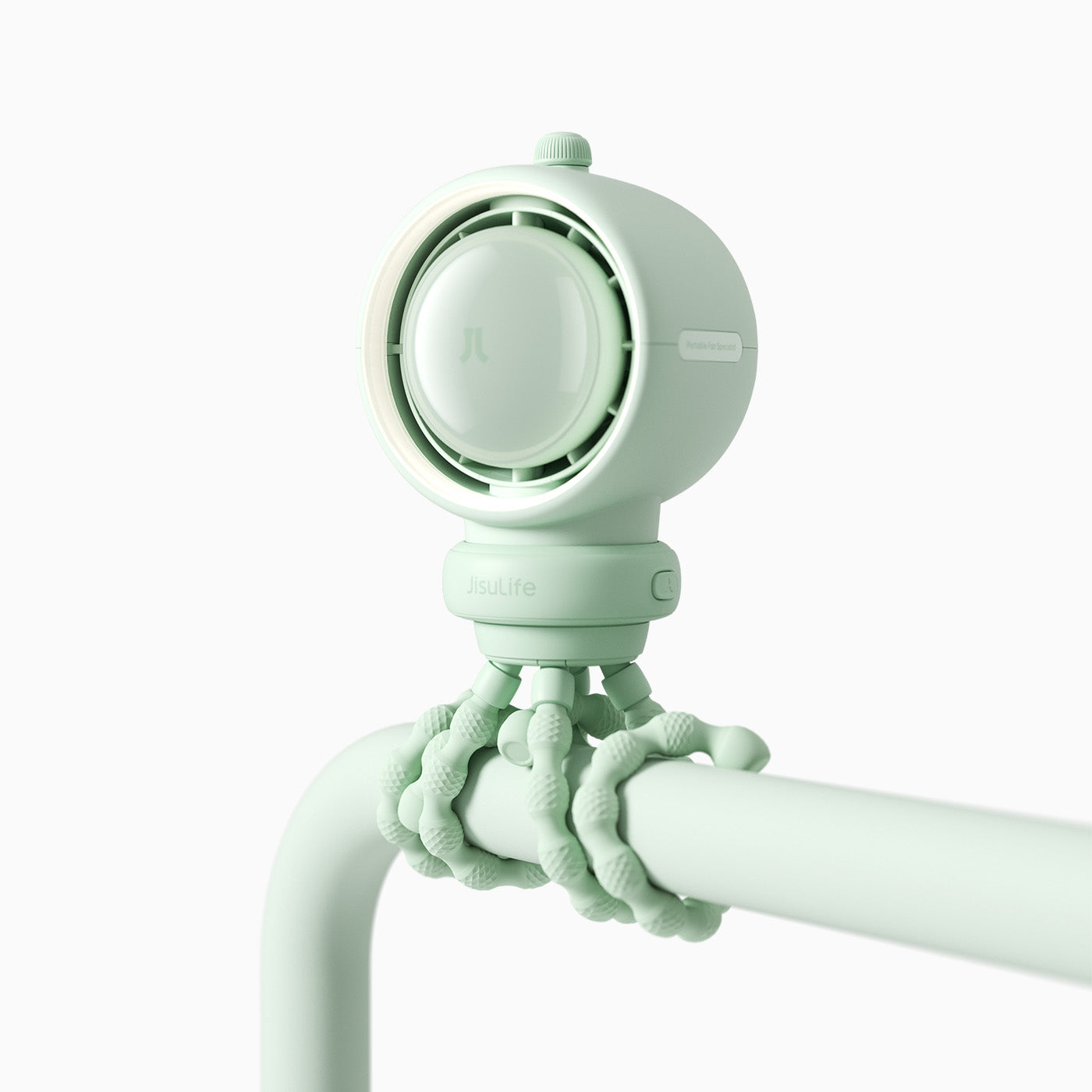
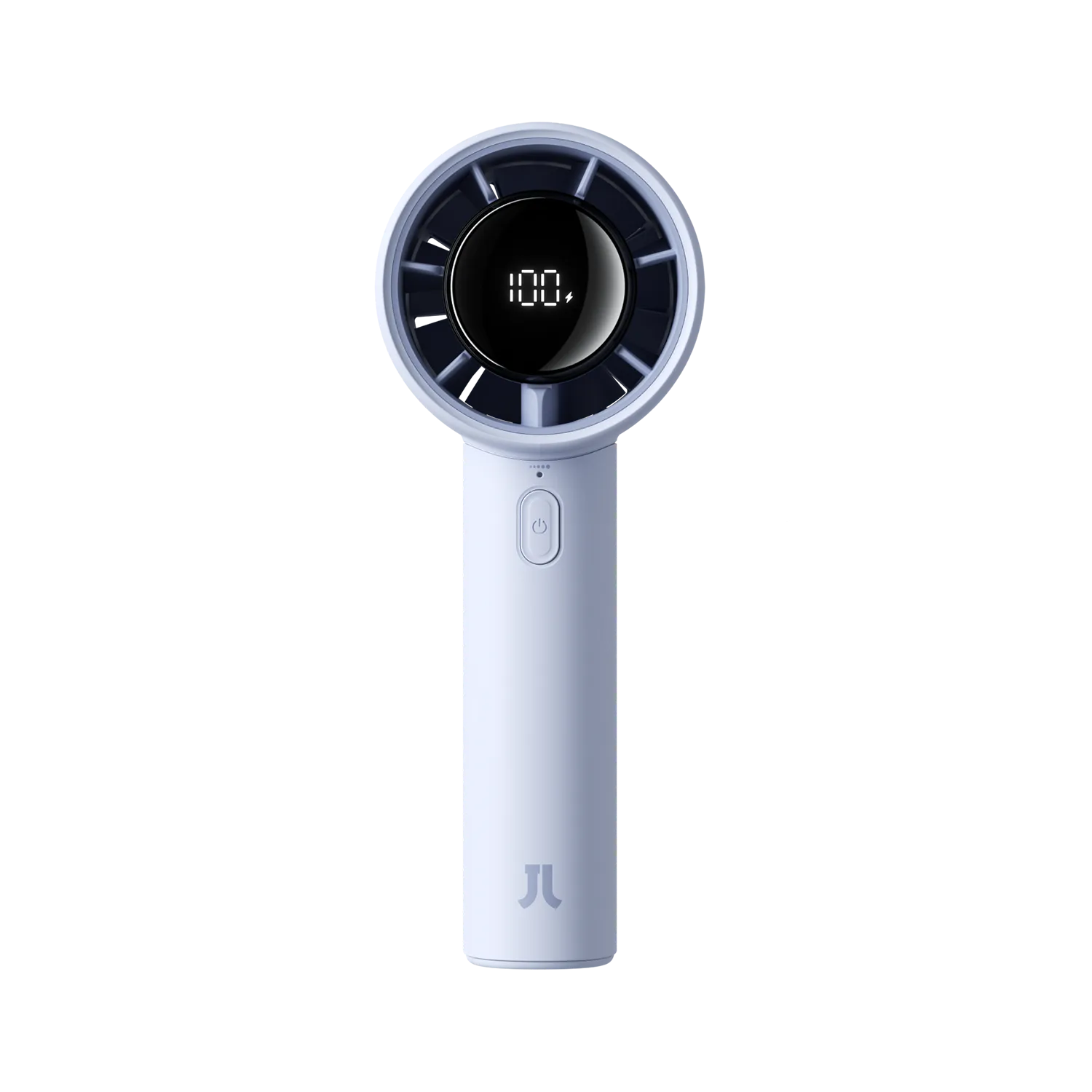
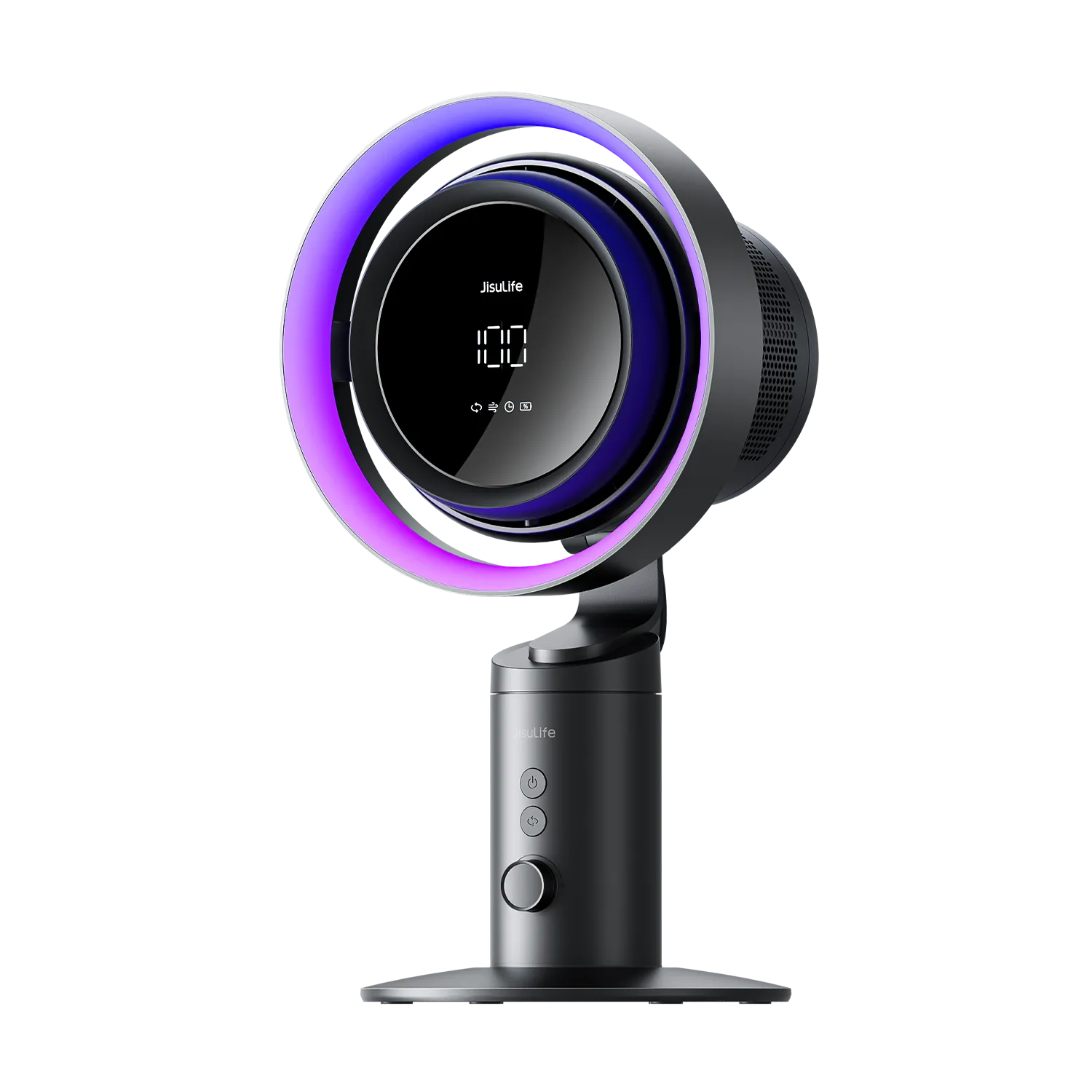
Гучны вентылятар можа хутка сапсаваць ваш сон, канцэнтрацыю або камфорт, але добрая навіна ў тым, што многія распаўсюджаныя прычыны можна выправіць простым абслугоўваннем. Галоўнае — пачаць з хуткай дыягностыкі на аснове гуку, які выдае ваш вентылятар, а затым праверыць наяўнасць неадкладных рызык бяспекі перад тым, як прыступаць да рамонту. Гэта дапамагае пазбегнуць марнавання часу на няправільны рамонт і ведаць, калі лепш замяніць прыладу.
Хуткая дыягностыка: які гук выдае ваш вентылятар?
Першы крок у выпраўленні шуму вентылятара — вызначыць тып гуку, бо гэта накіроўвае вас да найбольш верагоднай прычыны і правільнай візуальнай праверкі для яе пацверджання. Цоканне або гудзенне часта сведчаць пра фізічны кантакт з расхістанымі дэталямі, гудзенне звычайна звязана з вібрацыяй рухавіка або электрычнымі праблемамі, а скрэкот — з трэннем у падшыпніках або валіку.
Выкарыстоўвайце гук як першасны арыенцір: уважліва паслухайце ў ціхае памяшканне, затым бяспечна спыніце вентылятар і агледзьце. Цоканне звычайна азначае фізічны кантакт, гудзенне паказвае на праблемы з рухавіком або электрыкай, а скрэкот — на знос падшыпнікаў. Заўсёды пацвярджайце візуальнай праверкай перад разборкай.
Кіраўніцтва па дыягностыцы шуму вентылятара
Выкарыстоўвайце гэтую табліцу, каб супаставіць гук вентылятара, які вы чуеце, з першай візуальнай праверкай, якую трэба зрабіць, а затым прытрымлівайцеся ўзроўню прыярытэту для наступных крокаў.
| Катэгорыя | Прыярытэт дзеяння |
|---|---|
| Цоканне | 3 |
| Гудзенне | 2 |
| Скрэкот | 3 |
Заснавана на распаўсюджаных узорах шуму вентылятараў з кіраўніцтваў па рамонце і матрыцы дыягностыкі «Гук-да-праверкі». Кіраўніцтва з узроўнямі прыярытэту.
Гэтая матрыца пераўтварае гук, які вы чуеце, у мэтавы першы крок. Напрыклад, калі вы чуеце цоканне, неадкладна праверце рашотку і лопасці на наяўнасць расхістаных шруб або смецця замест таго, каб адразу прыступаць да змазкі. Гэта прадухіляе няправільныя рамонты і дапамагае лёгкім сну або дыстанцыйным работнікам хутка аднавіць ціхае функцыянаванне.
Бяспека перш за ўсё: калі спыніць і замяніць вентылятар
Перш чым браць інструменты, праверце наяўнасць чырвоных сцягаў, якія робяць самастойны рамонт небяспечным. Паводле Electrical Safety Foundation International (ESFI), неадкладна спыняйце выкарыстанне любога вентылятара, які мае пах гарэння, іскры або моцнае электрычнае гудзенне, бо гэта крытычныя пажаранебяспечныя сітуацыі.
Іншыя папераджальныя знакі ўключаюць вентылятар, які адчуваецца празмерна гарачым на дотык, моцнае калыханне, якое можа пашкодзіць корпус, або моцнае электрычнае гудзенне, калі лопасці адмаўляюцца круціцца. У такіх выпадках адразу адключыце вентылятар ад сеткі і замяніце яго замест рамонту. Гэта асабліва важна для партатыўных вентылятараў, якія выкарыстоўваюцца побач з ложкамі або ў невялікіх памяшканнях, дзе рызыка пажару можа паўплываць на спячых.
Калі ніводнай з гэтых небяспек няма, можна працягваць з ніжэйпрыведзенымі крокамі абслугоўвання. Аднак калі вашаму вентылятару больш за пяць гадоў або шум застаецца пасля базавых рамонтаў, намаганні па рамонце могуць быць неапраўданымі ў параўнанні з абнаўленнем.
Крок 1: Глыбокая чыстка для аднаўлення балансу
Назапашванне пылу на лопасцях вентылятара — асноўная прычына шуму; нават тонкі слой можа вывесці лопасці з балансу, выклікаючы вібрацыі і трэнне пры высокіх абаротах, як адзначана ў рэсурсах па ліквідацыі непаладак iFixit. Для партатыўных вентылятараў гэта назапашванне звычайнае пасля некалькіх месяцаў выкарыстання ў пыльных памяшканнях.
Для эфектыўнай чысткі спачатку адключыце вентылятар ад сеткі. Выкарыстоўвайце сціснутае паветра, каб выдушыць пыл з рашоткі і цесных месцаў, затым акуратна працярыце лопасці злёгку вільготнай мікрафібрай. Пазбягайце змочвання электрычных частак. Дайце вентылятару цалкам высахнуць перад уключэннем і тэставаннем на нізкай хуткасці.
Гэты крок часта вырашае гудзенне ў партатыўных і настольных вентылятарах, якія выкарыстоўваюць студэнты або офісныя работнікі. Рабіце гэта штомесяц у летні перыяд, каб падтрымліваць ціхае функцыянаванне і эфектыўнасць.
Крок 2: Ліквідацыя гудзення і расхістаных дэталяў
Калі чыстка не спыняе шум, наступным распаўсюджаным вінаватым з’яўляецца вібрацыя, якая з часам расхіствае шрубы, рашоткі або зборку лопасцяў. Гэта часта выклікае гудзенне або цоканне, якое многія карыстальнікі заўважаюць у старых партатыўных вентылятарах.
Адключыце прыладу і праверце ўсе бачныя шрубы на знешнім корпусе, зашпількі рашоткі і мацаванне рухавіка. Надзейна зацягніце іх, але не перацягвайце пластыкавыя часткі. Пераканайцеся, што лопасць трывала сядзіць на валіку без люфта. У некаторых выпадках даданне маленькіх гумовых шайбаў або кроплі фіксатара шруб можа прадухіліць іх паўторнае расхістванне.
Пастаяннае цоканне пасля чысткі і зацягвання часта звязана з адной расхістанай шрубай рашоткі, паводле агульнага досведу рамонту. Ранейшае вырашэнне гэтай праблемы прадухіляе непатрэбную замену для карыстальнікаў з абмежаваным бюджэтам.
Крок 3: Змазка падшыпнікаў рухавіка
Калі вентылятар выдае скрэкот або скрып пасля чысткі і зацягвання, падшыпнікі могуць патрабаваць змазкі. Аднак рабіце гэта толькі ў тым выпадку, калі вал рухавіка відавочна даступны і не запячатаны, згодна з кансерватыўнымі рэкамендацыямі iFixit. Многія сучасныя партатыўныя вентылятары выкарыстоўваюць запячатаныя падшыпнікі, якія не варта адкрываць.
Калі даступна, нанёсце ўсяго адну кроплю лёгкай машыннай алеі або алеі для швейных машын на кропку падшыпніка. Ніколі не выкарыстоўвайце WD-40, бо ён дзейнічае хутчэй як растваральнік і можа выдаліць існуючую змазку, а не змазваць доўгатэрмінова. Пасля нанясення пракруціце вал рукой, каб размеркаваць алей, затым сабярыце і пратэстуйце.
Гэты крок можа знізіць шум у старых вентылятарах з шчоткавымі рухавікамі, але не з’яўляецца пастаянным рашэннем для зношаных дэталяў. Калі шум хутка вяртаецца, гэта сігналізуе, што рухавік набліжаецца да канца свайго тэрміну службы.
Больш за рамонт: калі перайсці на вентылятар з бесшчоткавым рухавіком
Рамонт мае сэнс для простых праблем, як пыл або расхістаныя шрубы, але прыходзіць момант, калі замена — лепшы выбар. Замяняйце неадкладна, калі заўважаеце любыя чырвоныя сцягі бяспекі. Таксама разгледзьце абнаўленне, калі кошт рамонту перавышае палову кошту новага вентылятара або калі вам патрэбна надзейная ціхая праца для сну ці канцэнтрацыі.
Бесшчоткавыя пастаяннамагнітныя рухавікі (BLDC) па сваёй прыродзе цішэйшыя за традыцыйныя шчоткавыя, бо яны ліквідуюць механічнае трэнне шчотак, значна зніжаючы гудзенне рухавіка і падаўжаючы тэрмін службы, зыходзячы з інжынерных прынцыпаў шуму вентылятараў. Гэта робіць іх ідэальнымі для лёгкіх сноў або дыстанцыйнай працы.
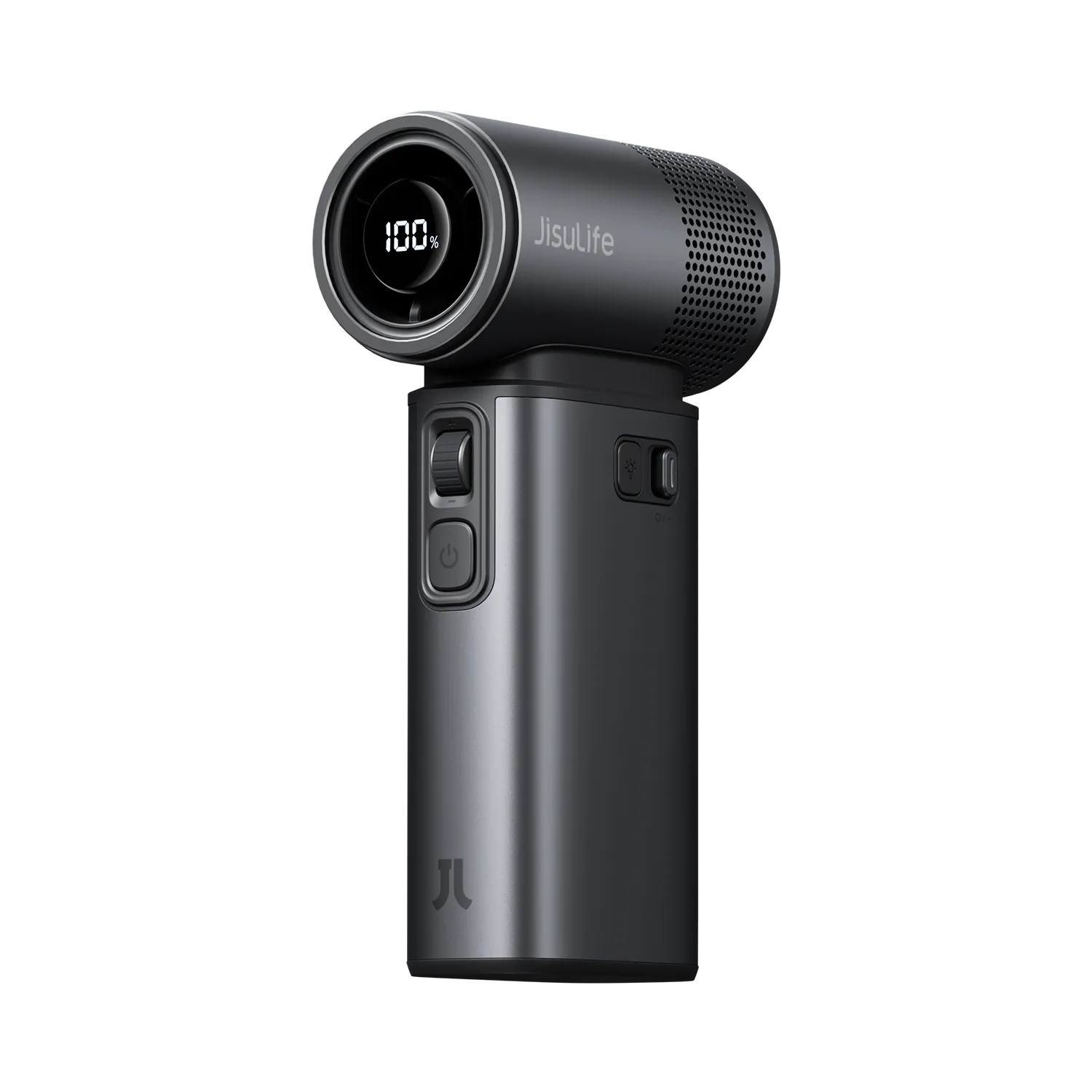
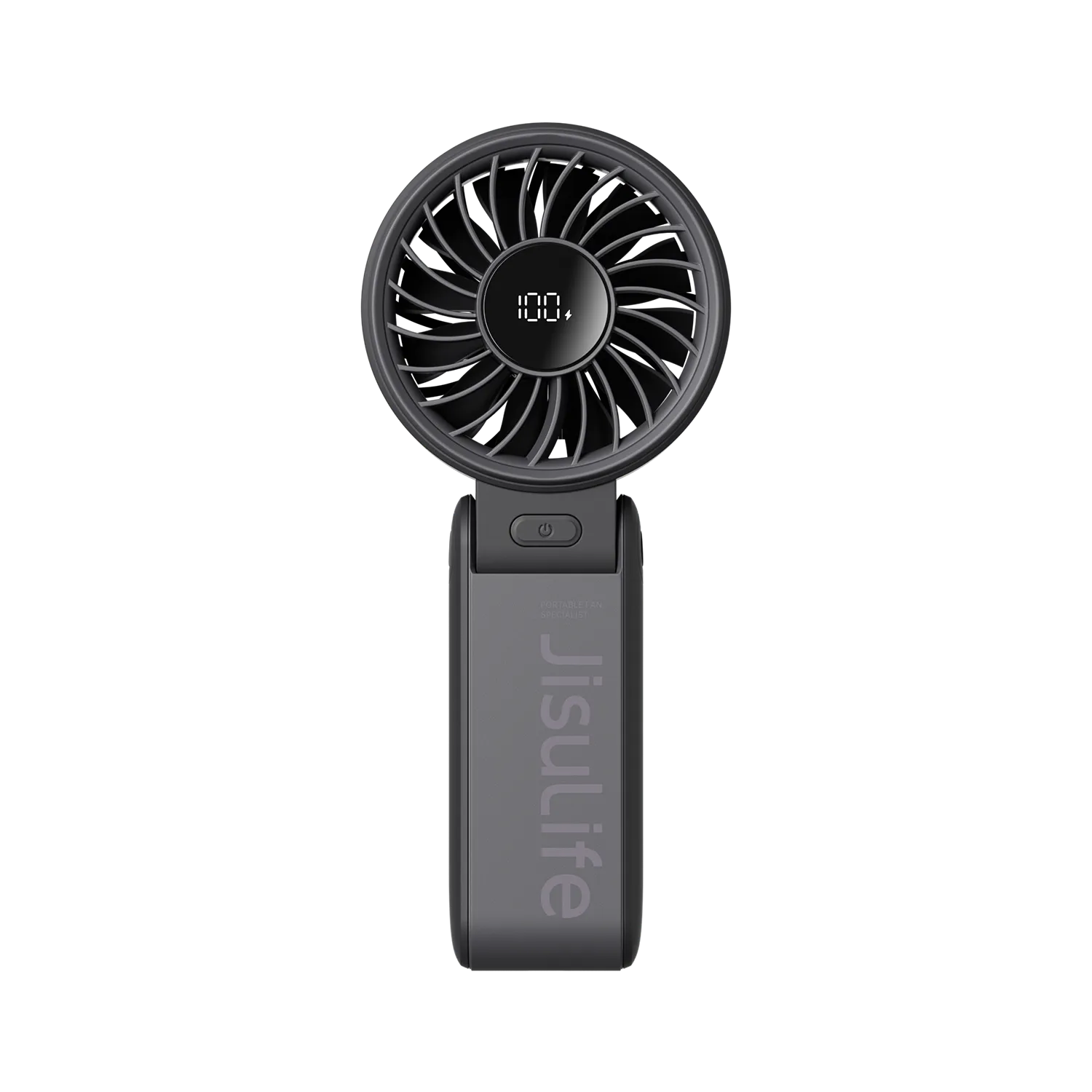
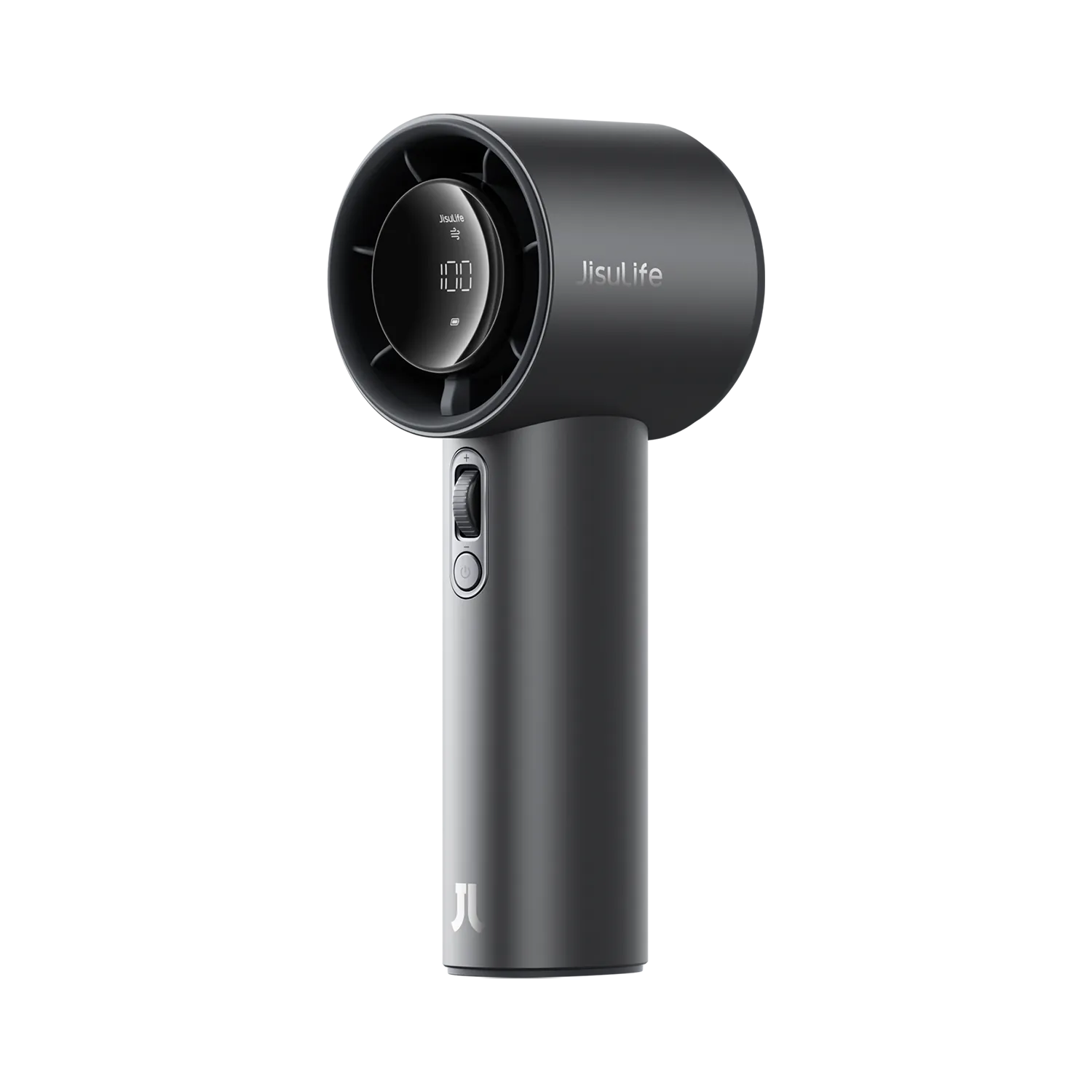
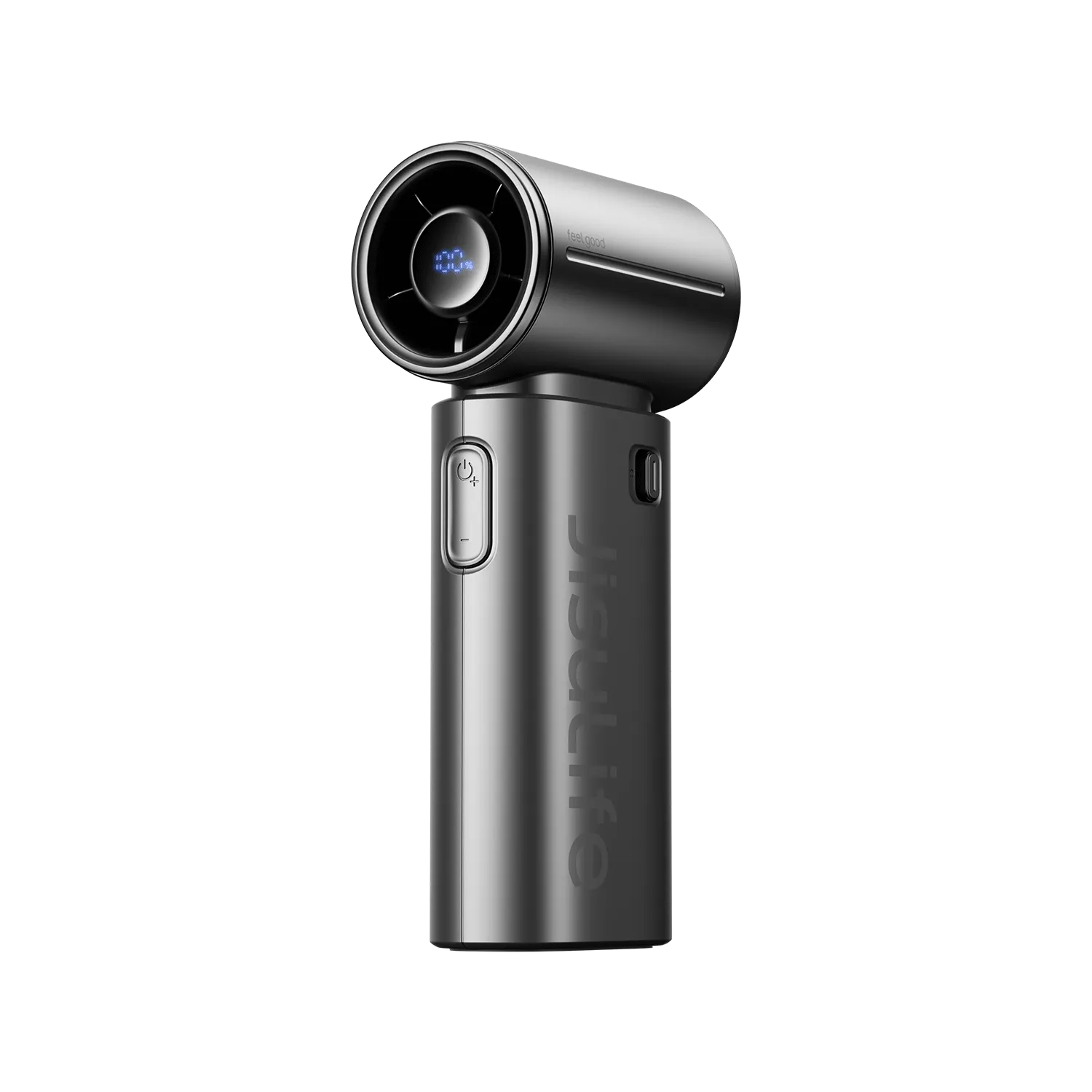
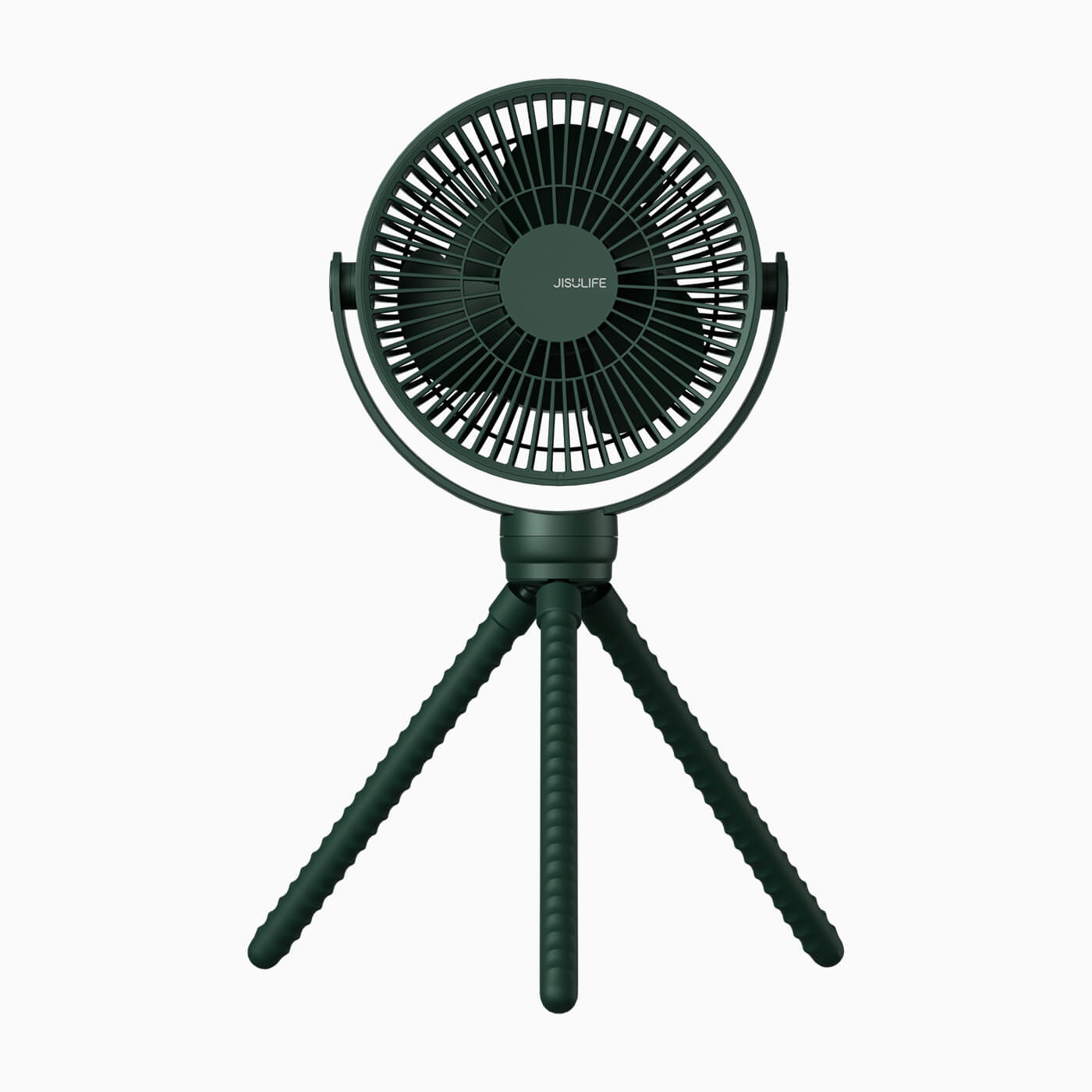
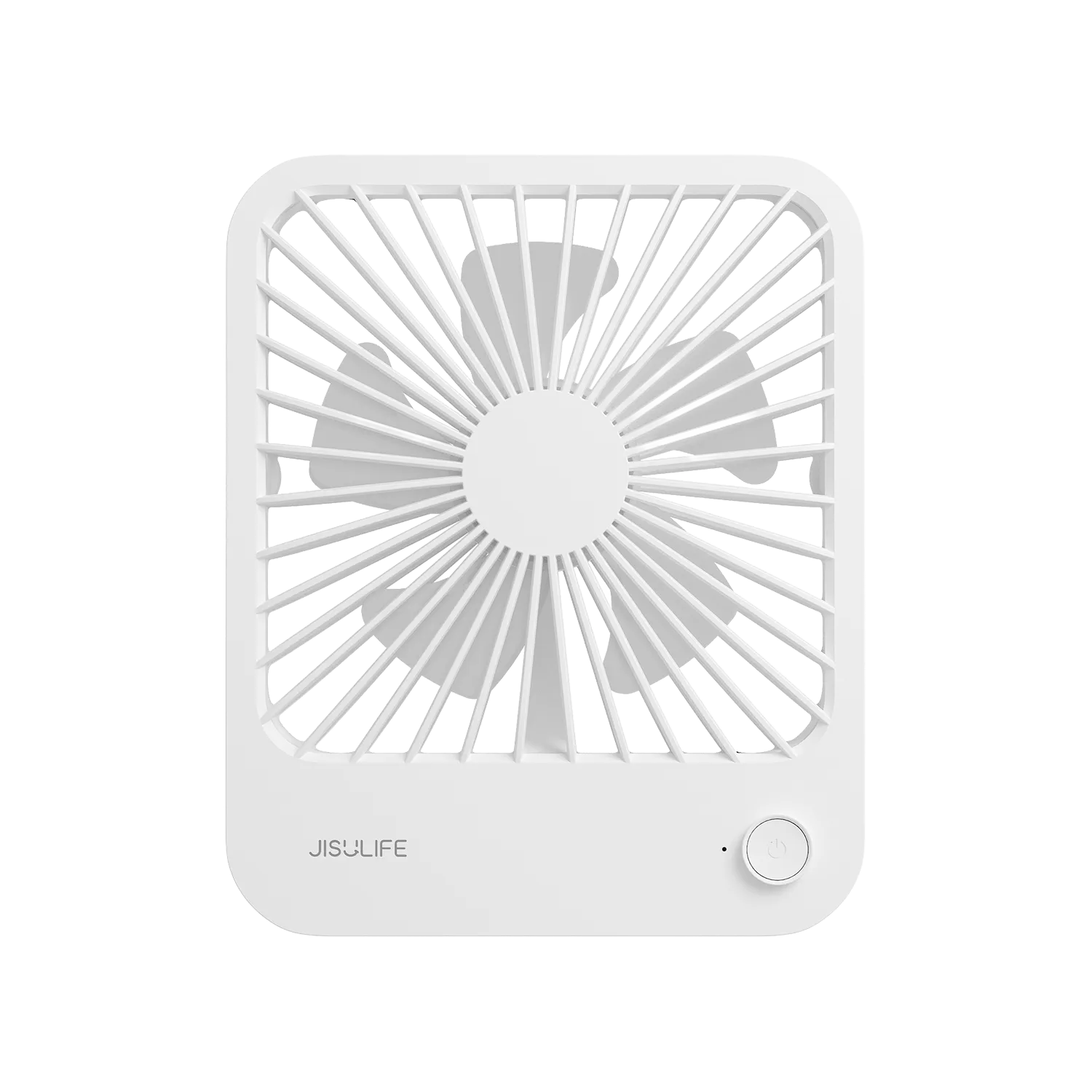
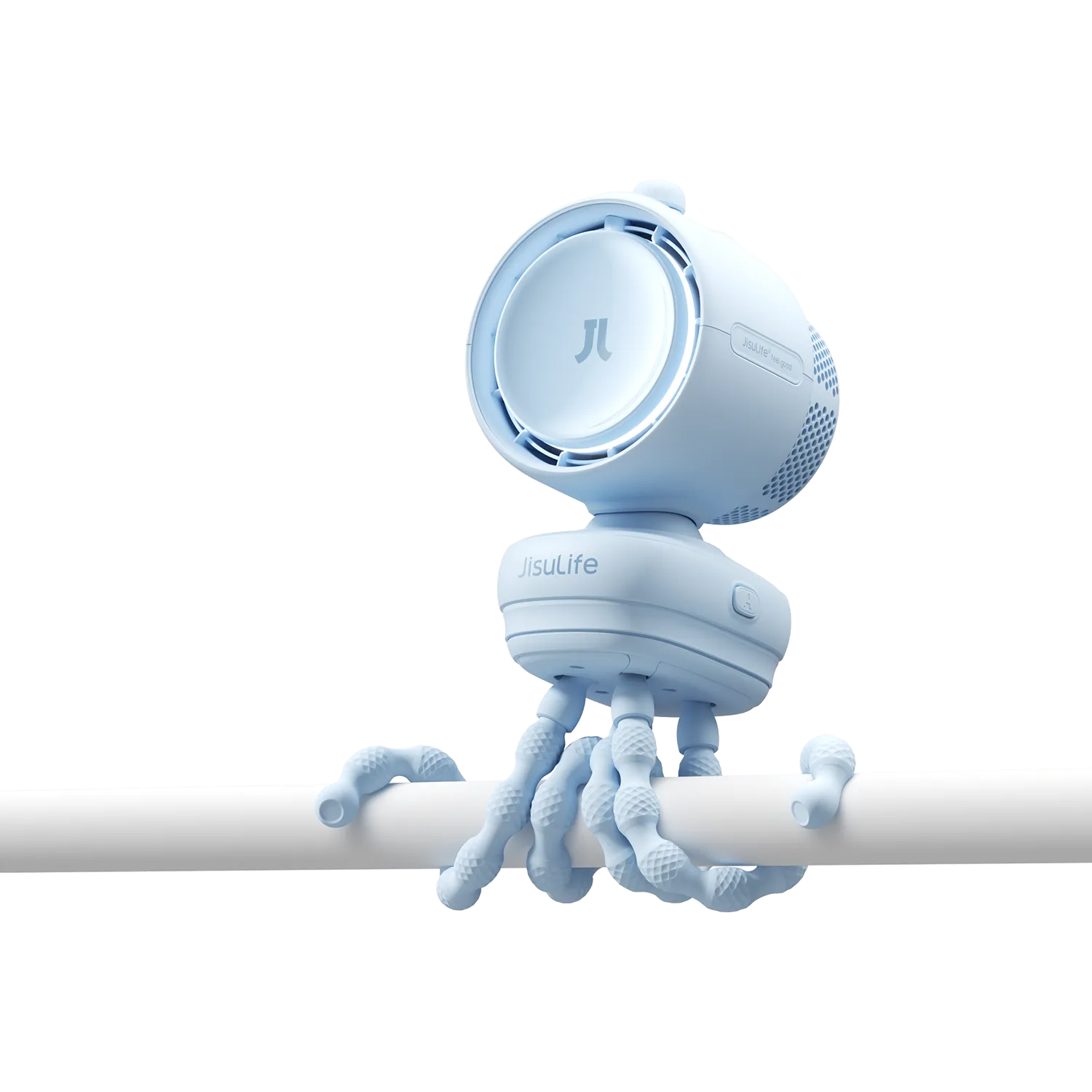
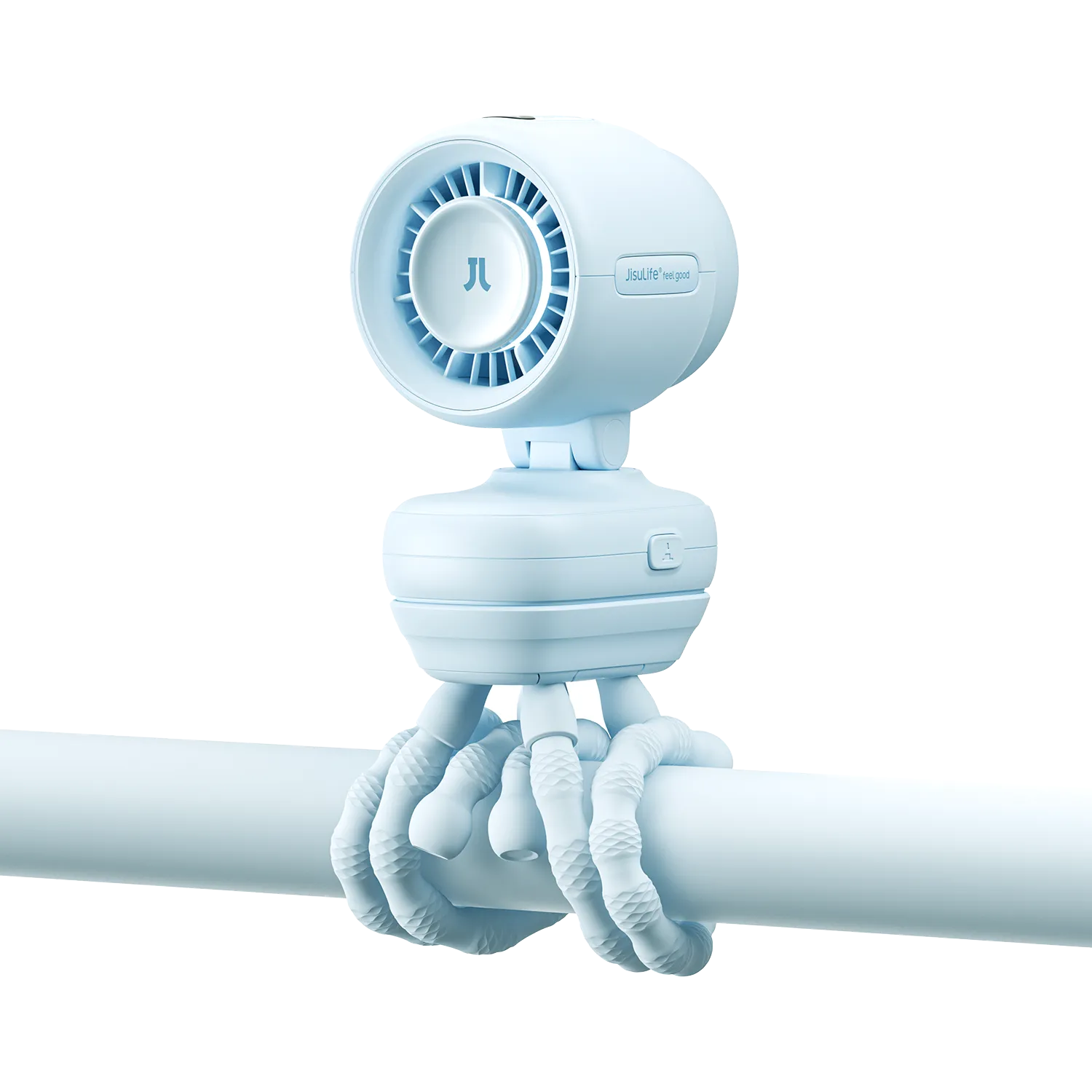
Сучасныя ціхія партатыўныя вентылятары з бесшчоткавымі рухавікамі часта працуюць на значна ніжэйшым узроўні шуму, забяспечваючы стабільны паветраны паток. Напрыклад, JisuLife Table Fan Pro3 або мадэлі серыі Pro выкарыстоўваюць сучаснае кіраванне для дакладнай рэгуляцыі хуткасці, дазваляючы ідэальна збалансаваць паток паветра і ўзровень шуму.
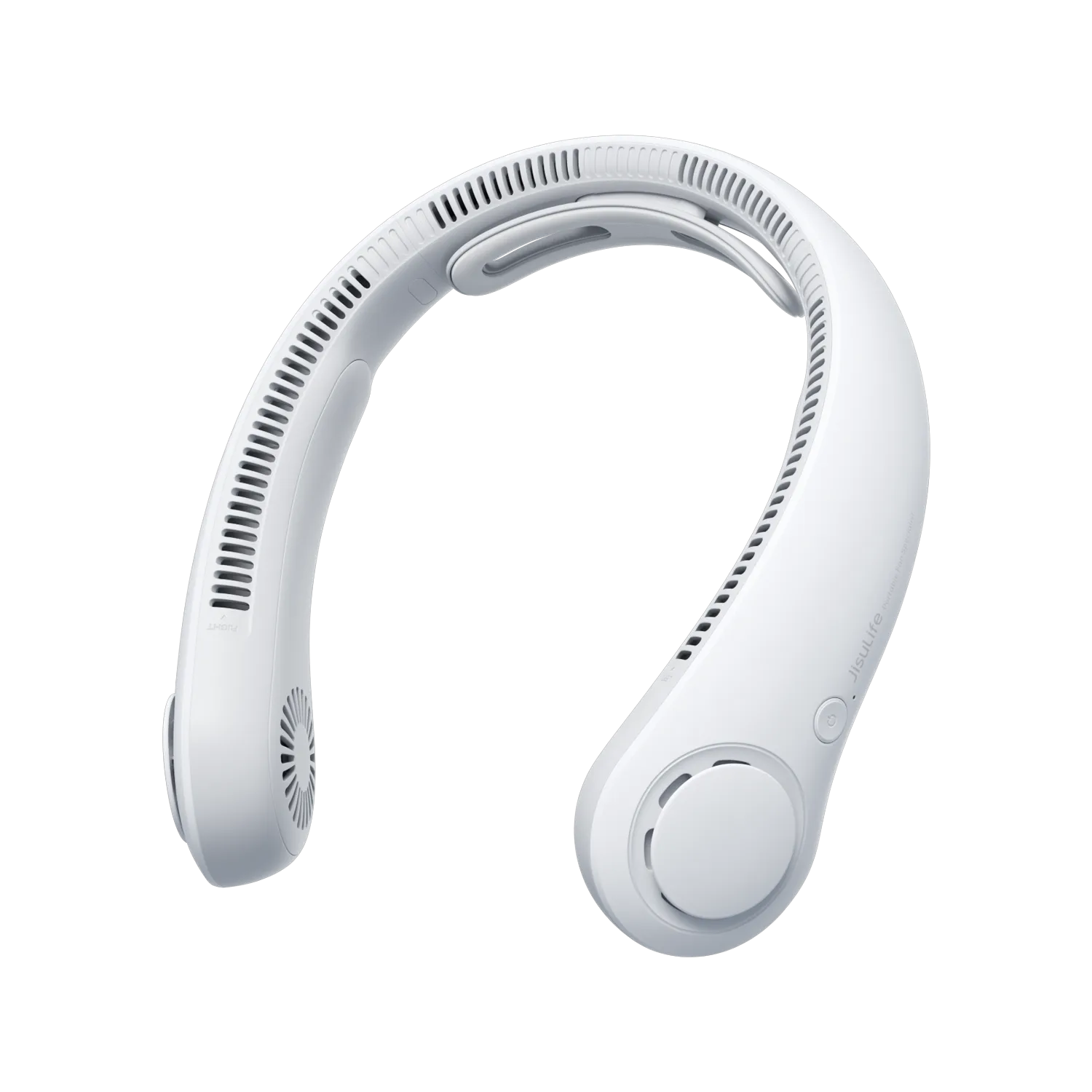
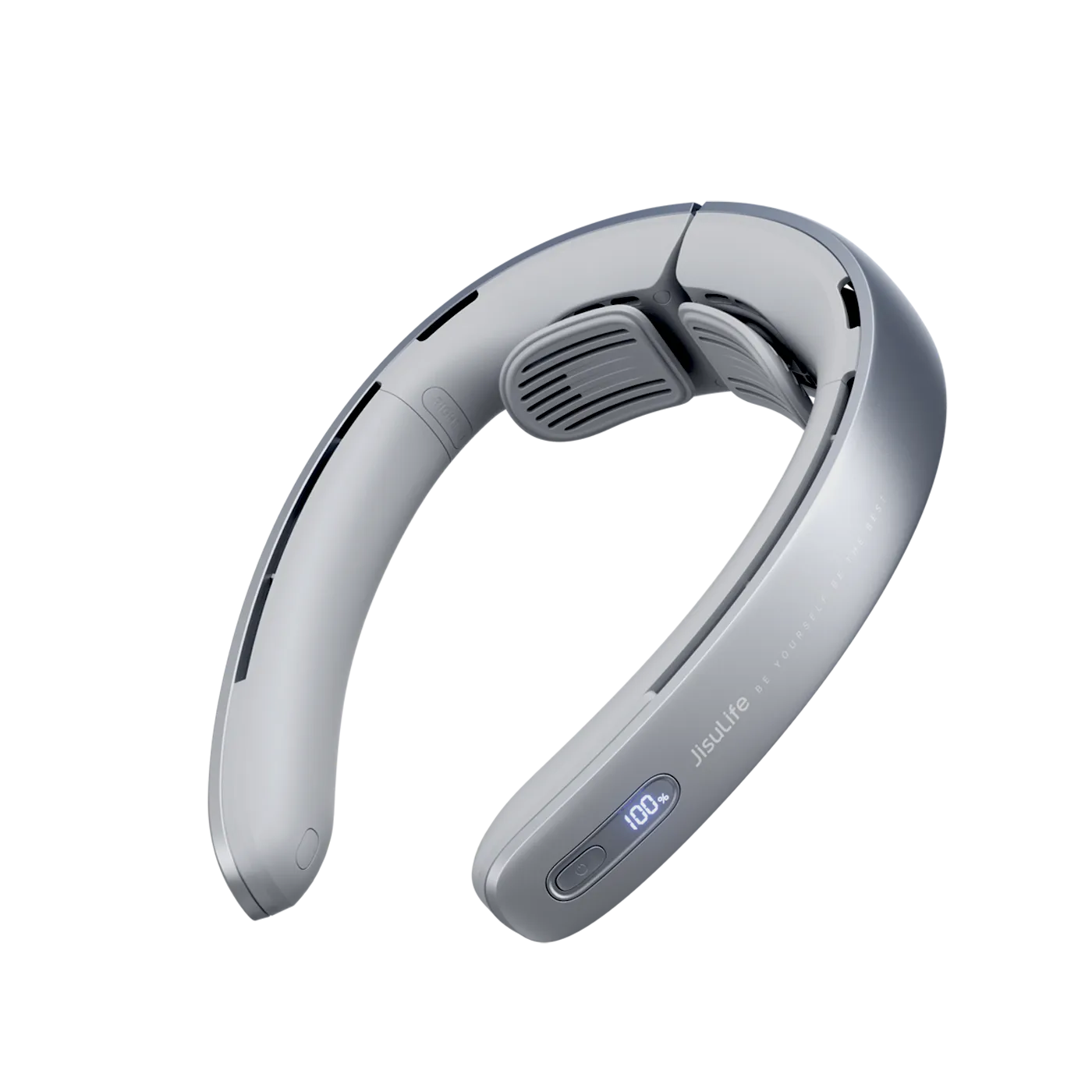
Калі ваш цяперашні вентылятар — стары шчоткавы мадэль, які патрабуе частых рамонтаў, пераход на бязляпасны вентылятар для шыі або ручны варыянт можа цалкам ліквідаваць многія традыцыйныя крыніцы шуму. Прачытайце наша кіраўніцтва па бязляпасных вентылятарах у параўнанні з традыцыйнымі мадэлямі, каб убачыць усе перавагі.

Часта задаваемыя пытанні
Як часта трэба чысціць партатыўны вентылятар, каб прадухіліць шум?
Чыстуйце партатыўны вентылятар прынамсі раз на месяц у сезоны інтэнсіўнага выкарыстання або раз на два месяцы ў іншым выпадку. Засяродзьце ўвагу на лопасцях і рашотках, бо назапашванне пылу — адзін з самых хуткіх шляхоў развіцця шуму. Для вентылятараў у спальнях больш частая чыстка дапамагае падтрымліваць нізкі ўзровень шуму, неабходны для сну.
Які нармальны ўзровень шуму для ціхога партатыўнага вентылятара?
Добры ціхі партатыўны вентылятар для сну звычайна працуе на ўзроўні ніжэй за 35-40 дБ на нізкіх наладках, што падобна на шэпт. Калі ваш вентылятар пастаянна перавышае 50 дБ нават пасля абслугоўвання, хутчэй за ўсё, прыйшоў час разгледзець мадэль з бесшчоткавым рухавіком, якая можа дасягнуць значна ніжэйшых узроўняў дзякуючы лепшаму інжынернаму рашэнню.
Ці можна выправіць гудзенне вентылятара без інструментаў?
Так, у многіх выпадках можна зменшыць гудзенне, проста адключыўшы вентылятар, акуратна патрусіўшы яго, каб выкінуць расхістанае смецце, і моцна націснуўшы рашотку і корпус на месца. Аднак калі гудзенне вяртаецца адразу, верагодна, шруба або зашпілька расхістаныя і патрабуюць зацягвання адвёрткай.
Калі рухавік вентылятара занадта шумны і не падлягае рамонту?
Рухавік звычайна не падлягае эканамічна мэтаваму рамонту, калі ён выдае скрэкот, які змазка не вырашае на працягу некалькіх дзён, або калі ён гудзіць электрычна, але не круціцца. У такім выпадку замена на бесшчоткавую мадэль будзе бяспечнейшай і больш эканамічнай, чым паўторныя спробы адрамантаваць старую прыладу.
Як выбраць паміж рамонтам старога вентылятара і купляй новага ціхога?
Улічвайце ўзрост вентылятара, ступень шуму і вашыя патрэбы ў выкарыстанні. Калі вентылятар старэйшы за чатыры гады, патрабуе частых рамонтаў або перашкаджае сну нягледзячы на абслугоўванне, інвестуйце ў новы бесшчоткавы партатыўны вентылятар. Новыя мадэлі часта апраўдваюць сябе дзякуючы лепшай эфектыўнасці і меншым праблемам.
Праверце тып вашага вентылятара і ўсталюйце рэгулярны рэжым чысткі ўжо сёння. Калі базавыя крокі больш не забяспечваюць патрэбны ціхае паветранае асяроддзе, азнаёмцеся з асартыментам ультраціхіх партатыўных і настольных вентылятараў JisuLife, спецыяльна распрацаваных для спакойнага штодзённага выкарыстання.



Пакіньце каментар
Усе каментары праходзяць мадэрацыю перад публікацыяй.
Diese Website ist durch hCaptcha geschützt und es gelten die allgemeinen Geschäftsbedingungen und Datenschutzbestimmungen von hCaptcha.