


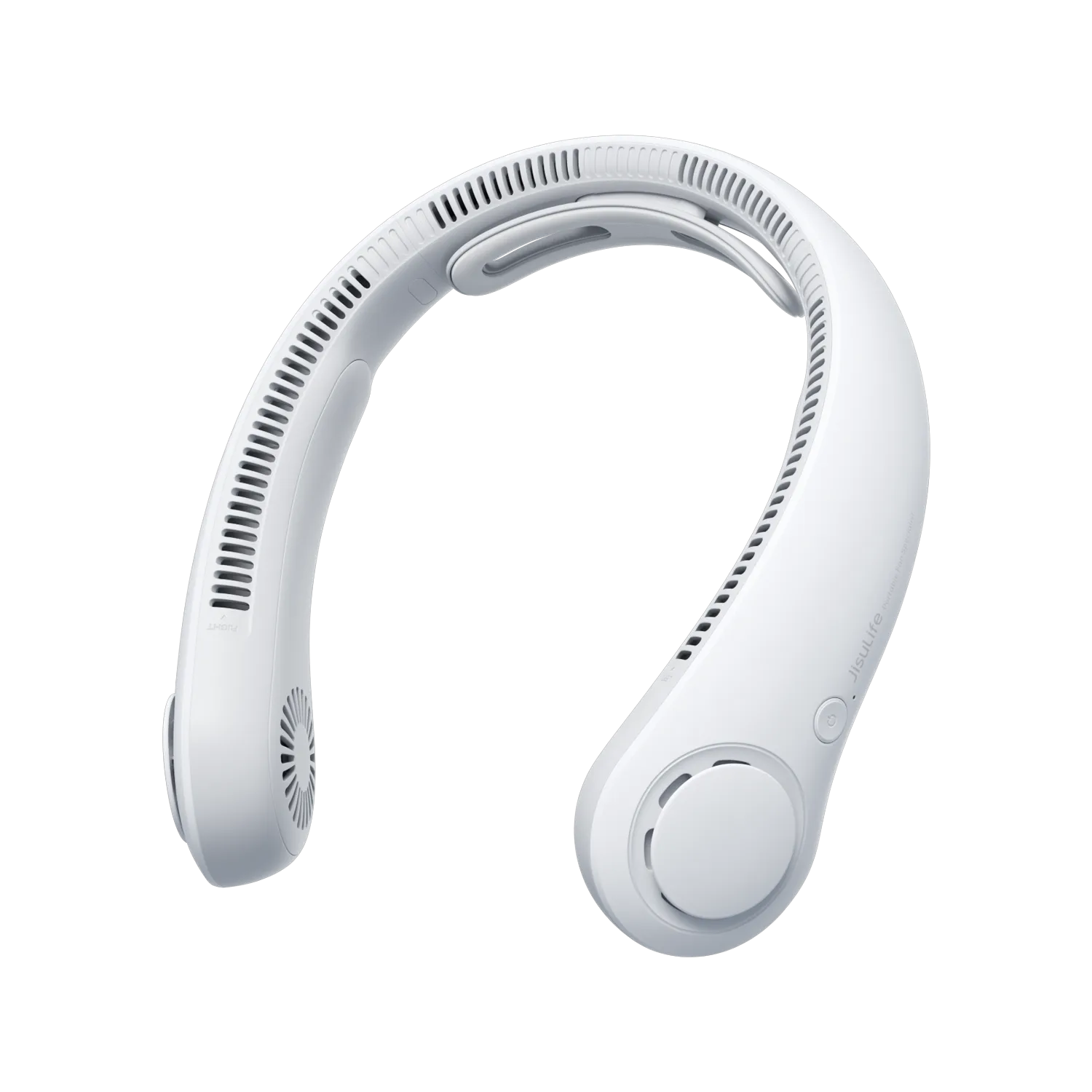
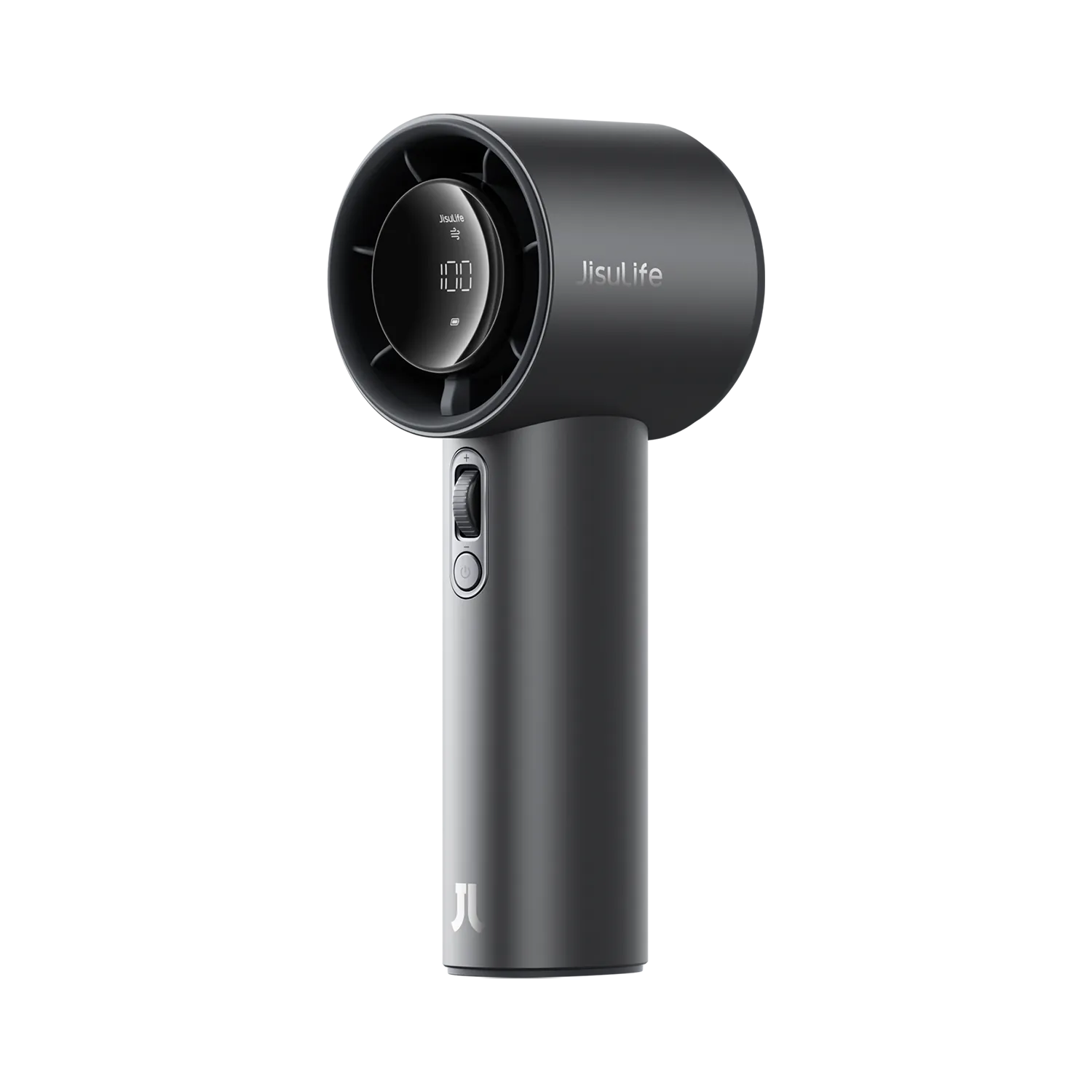
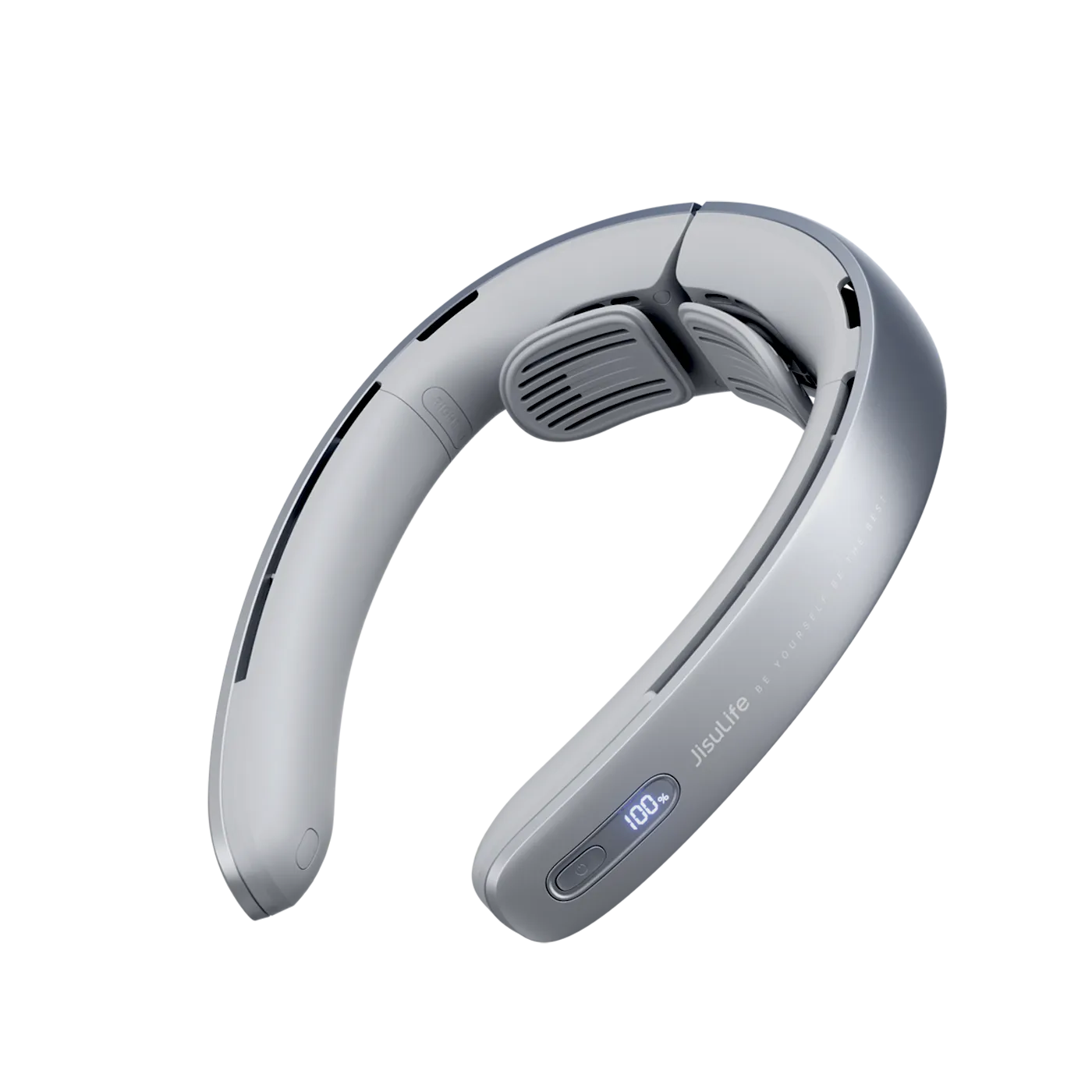
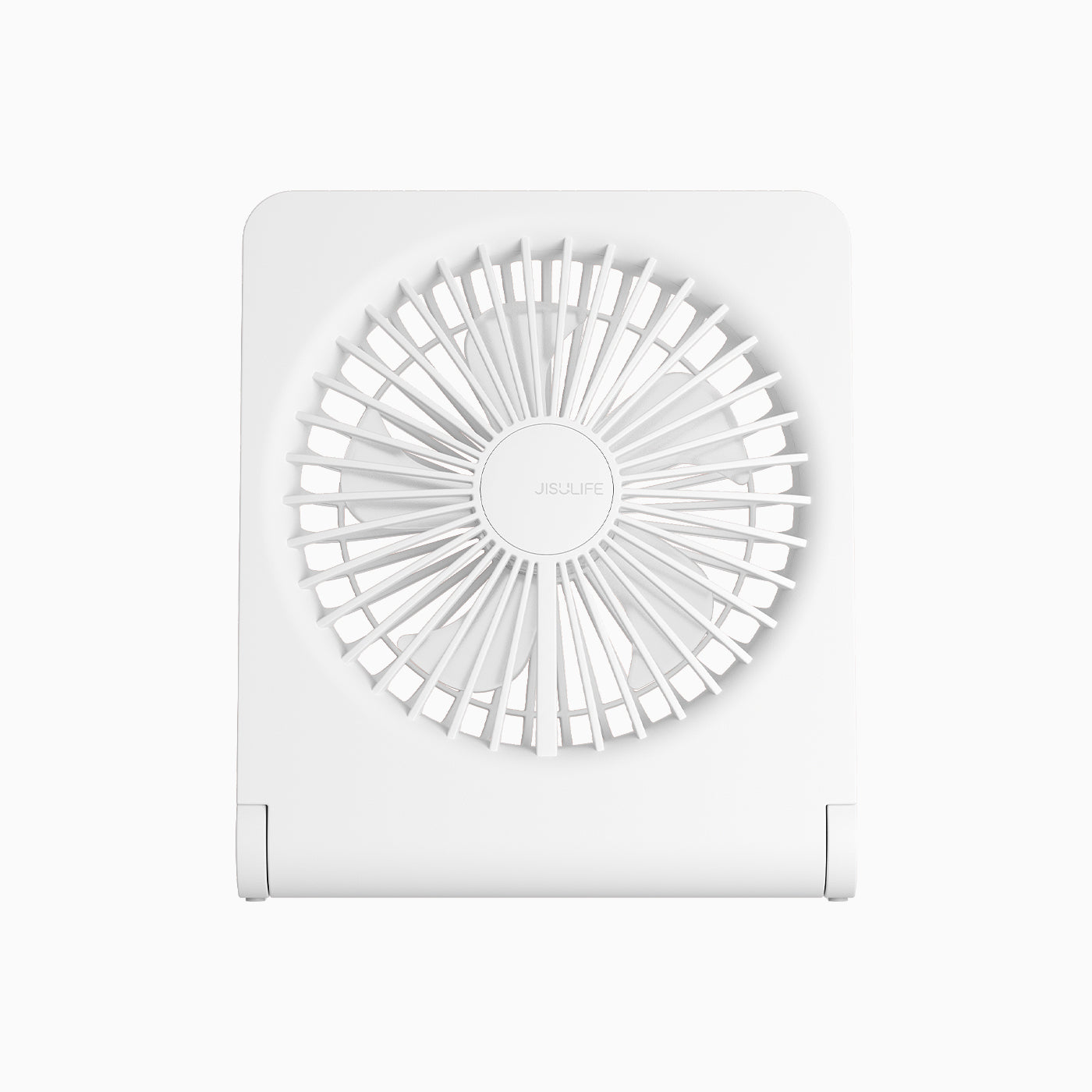
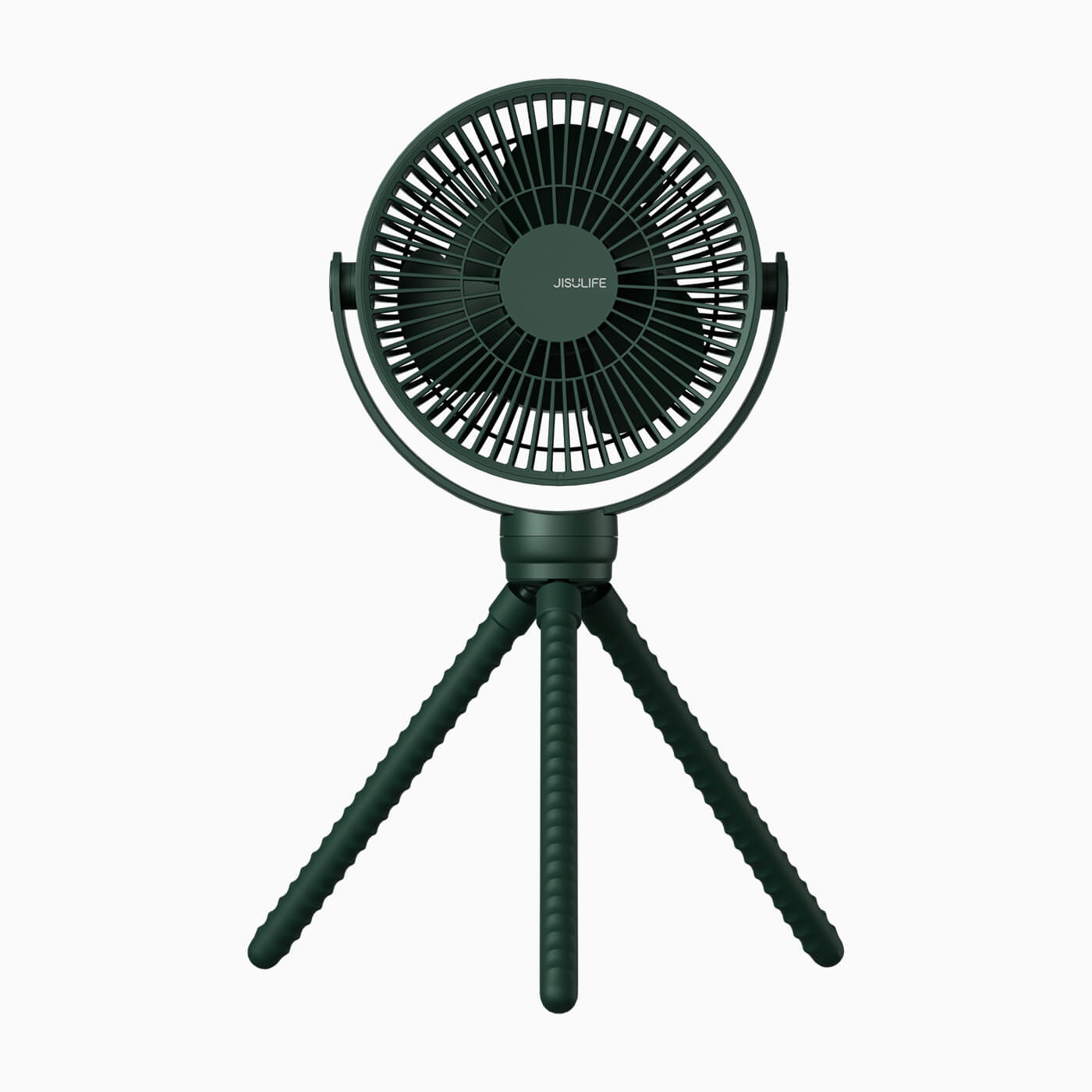

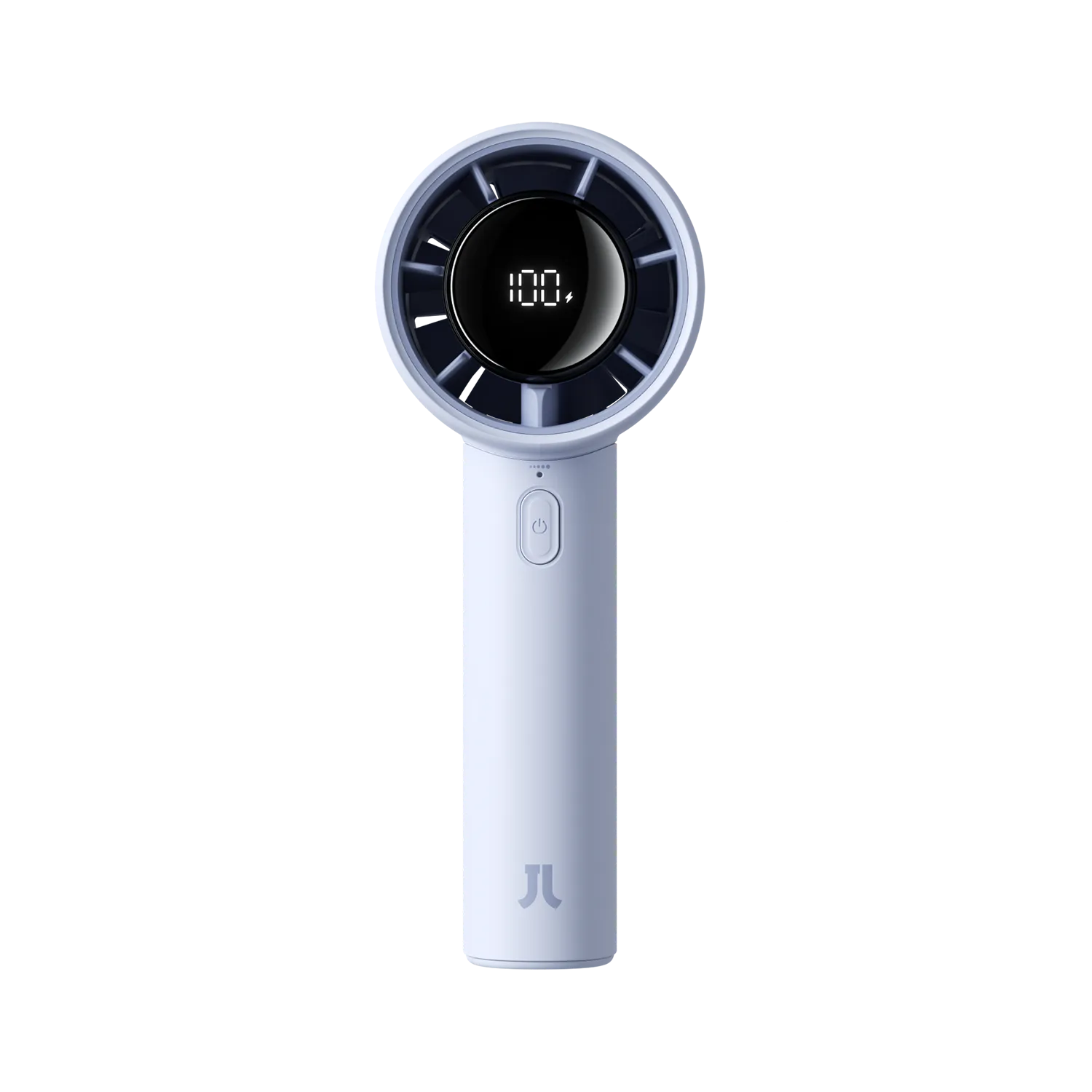
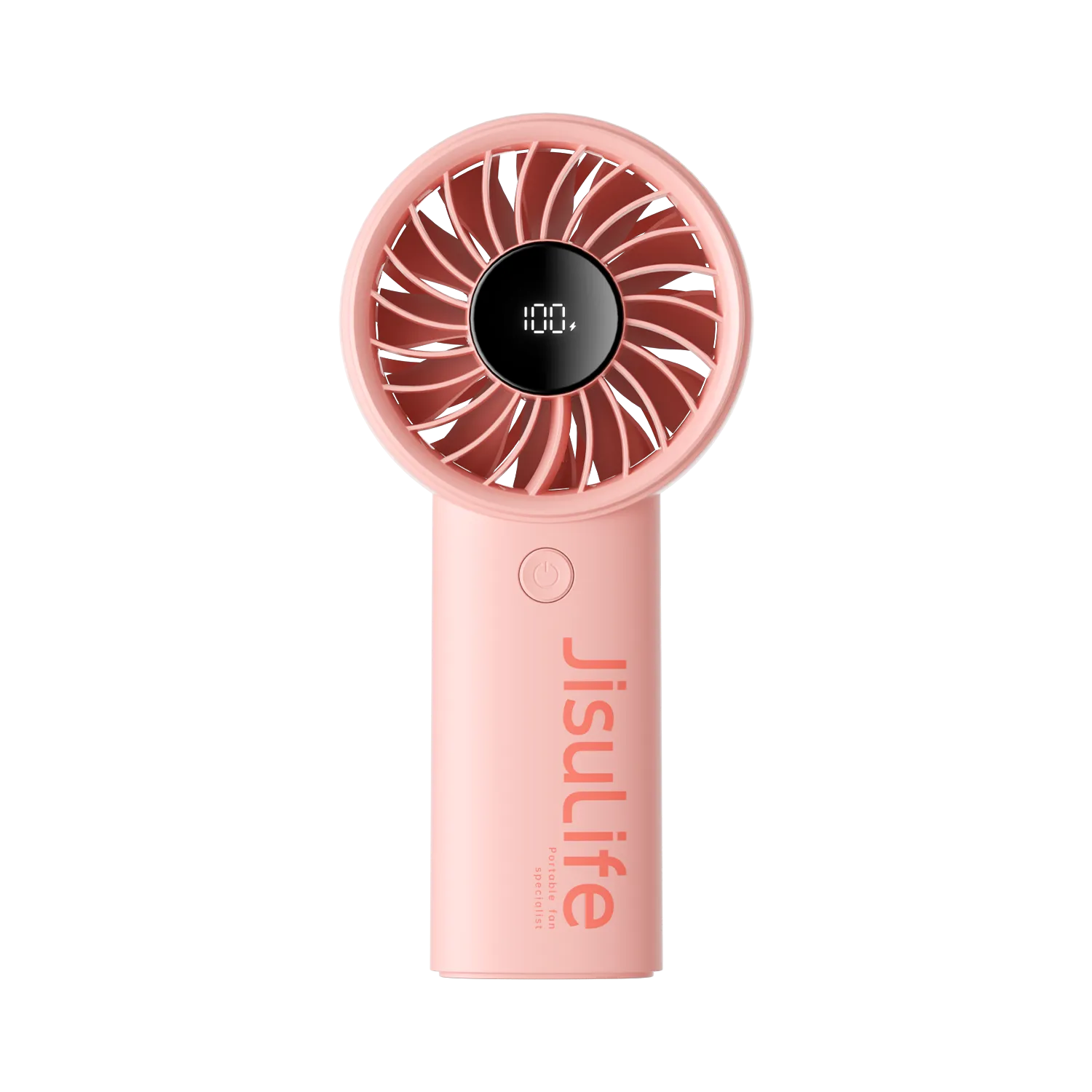
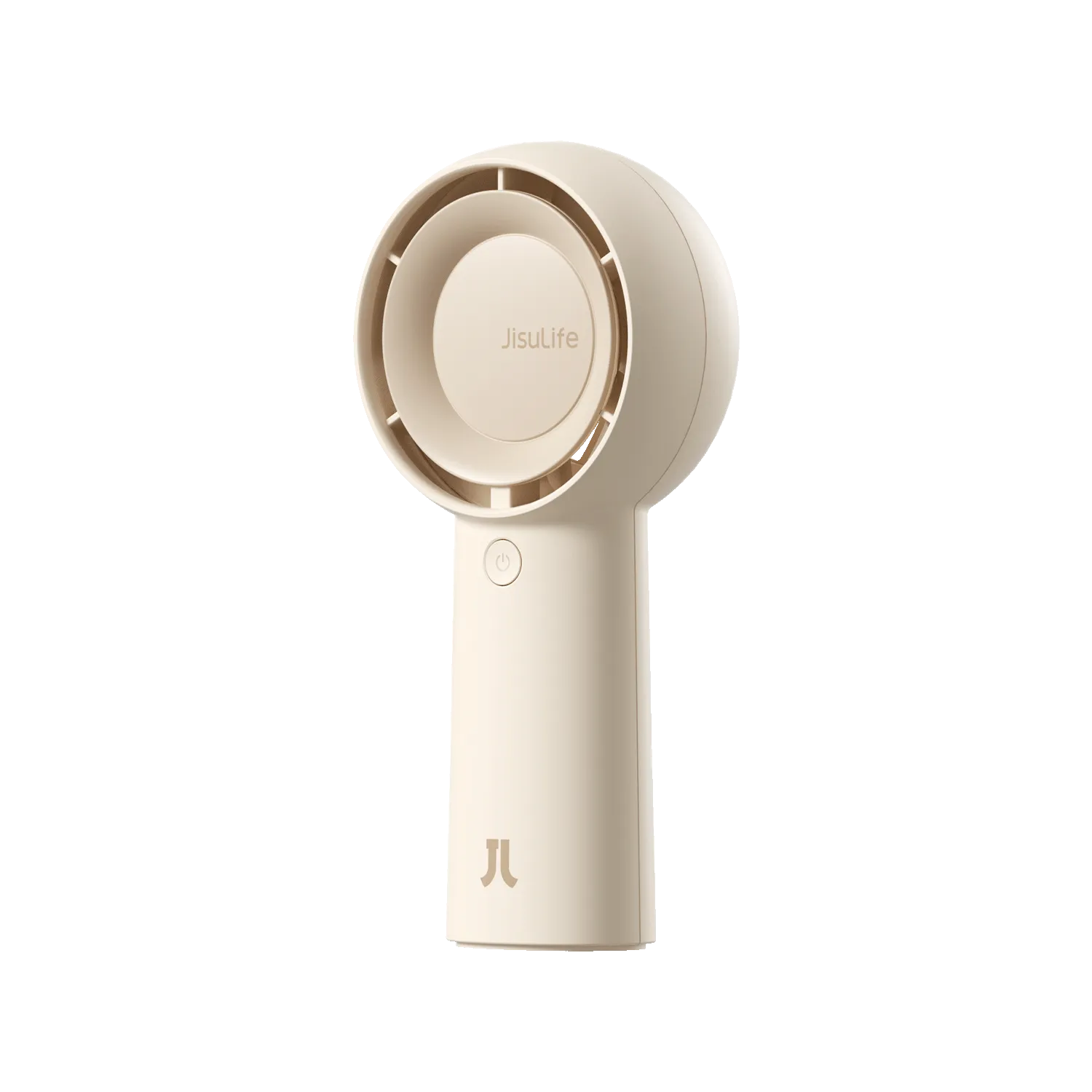
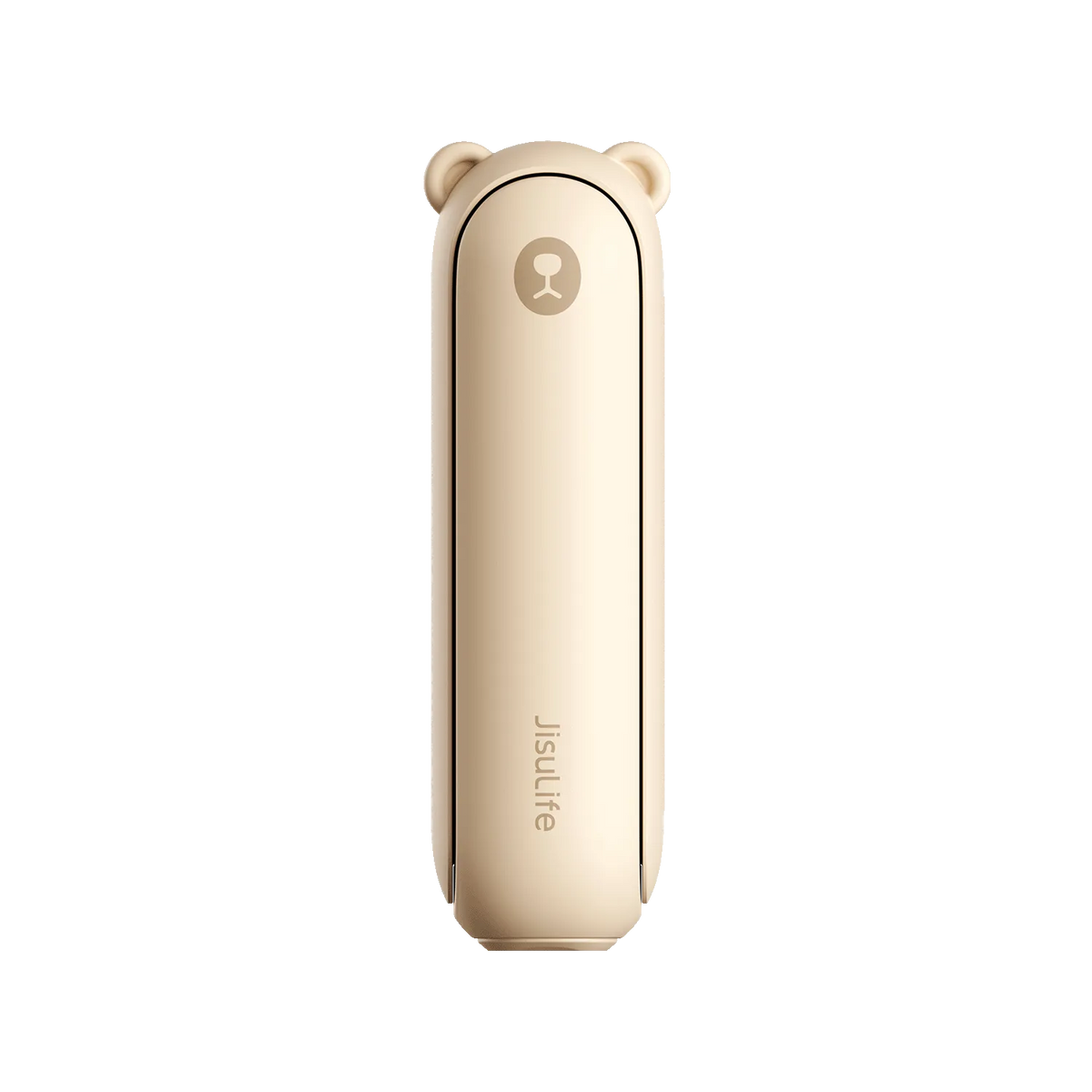
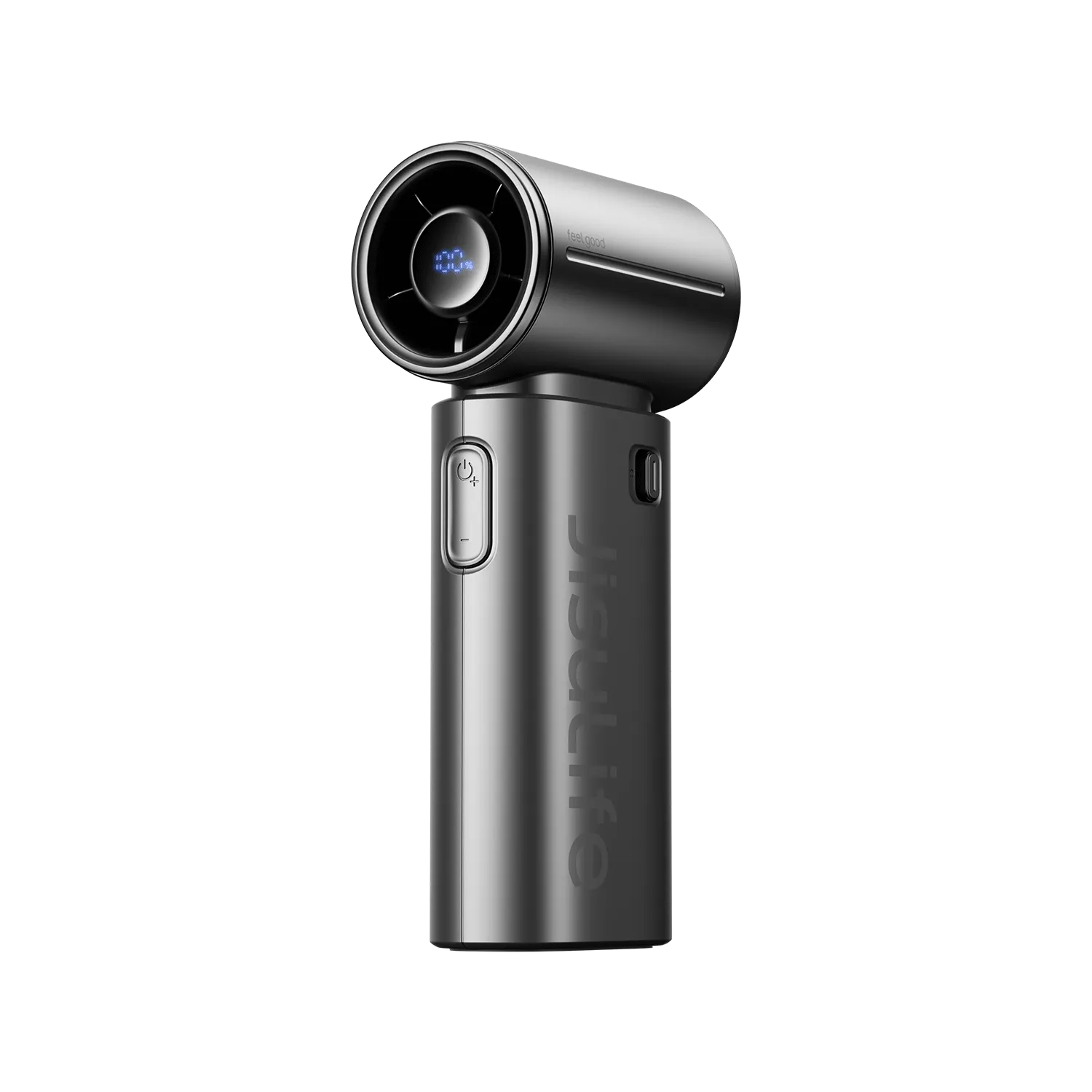
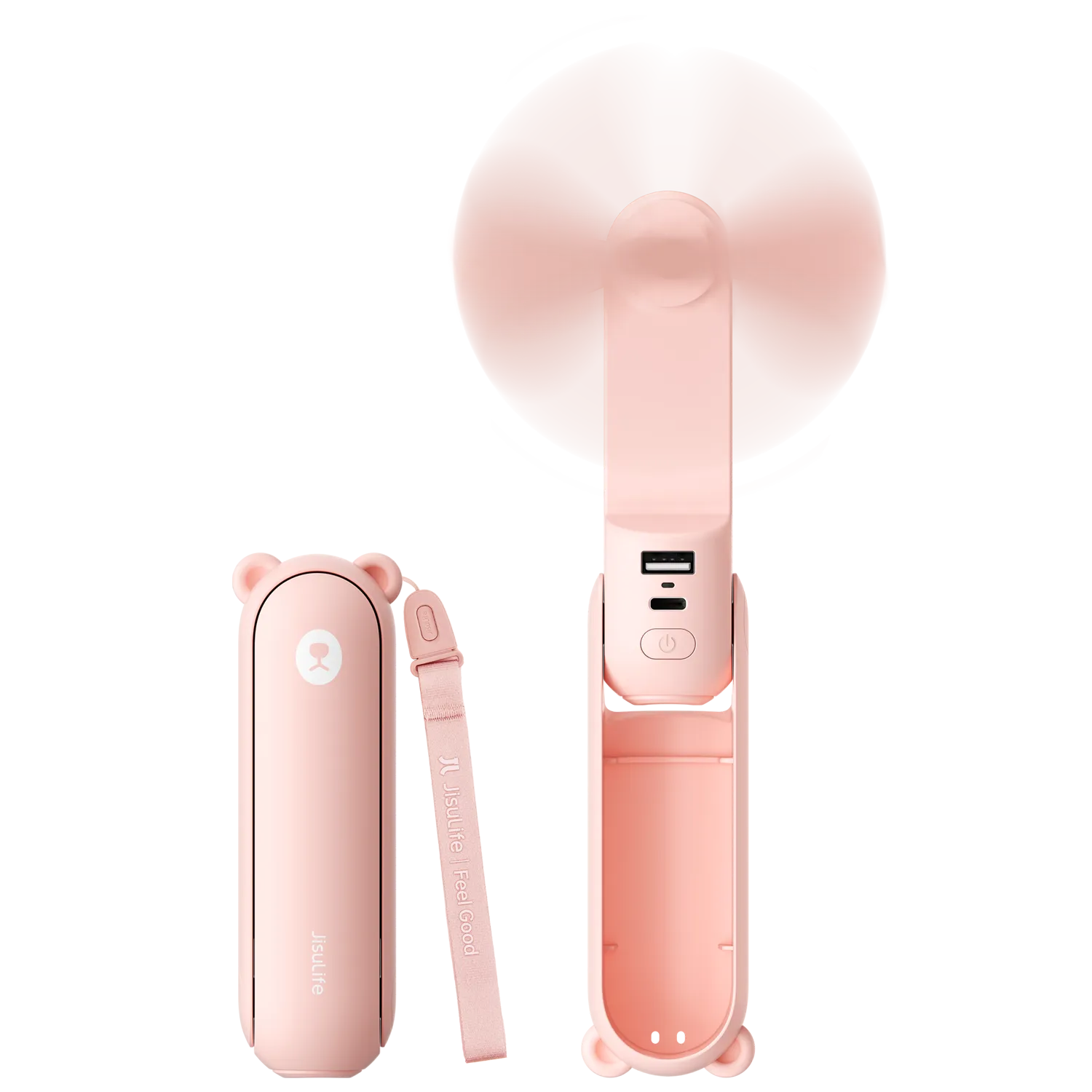
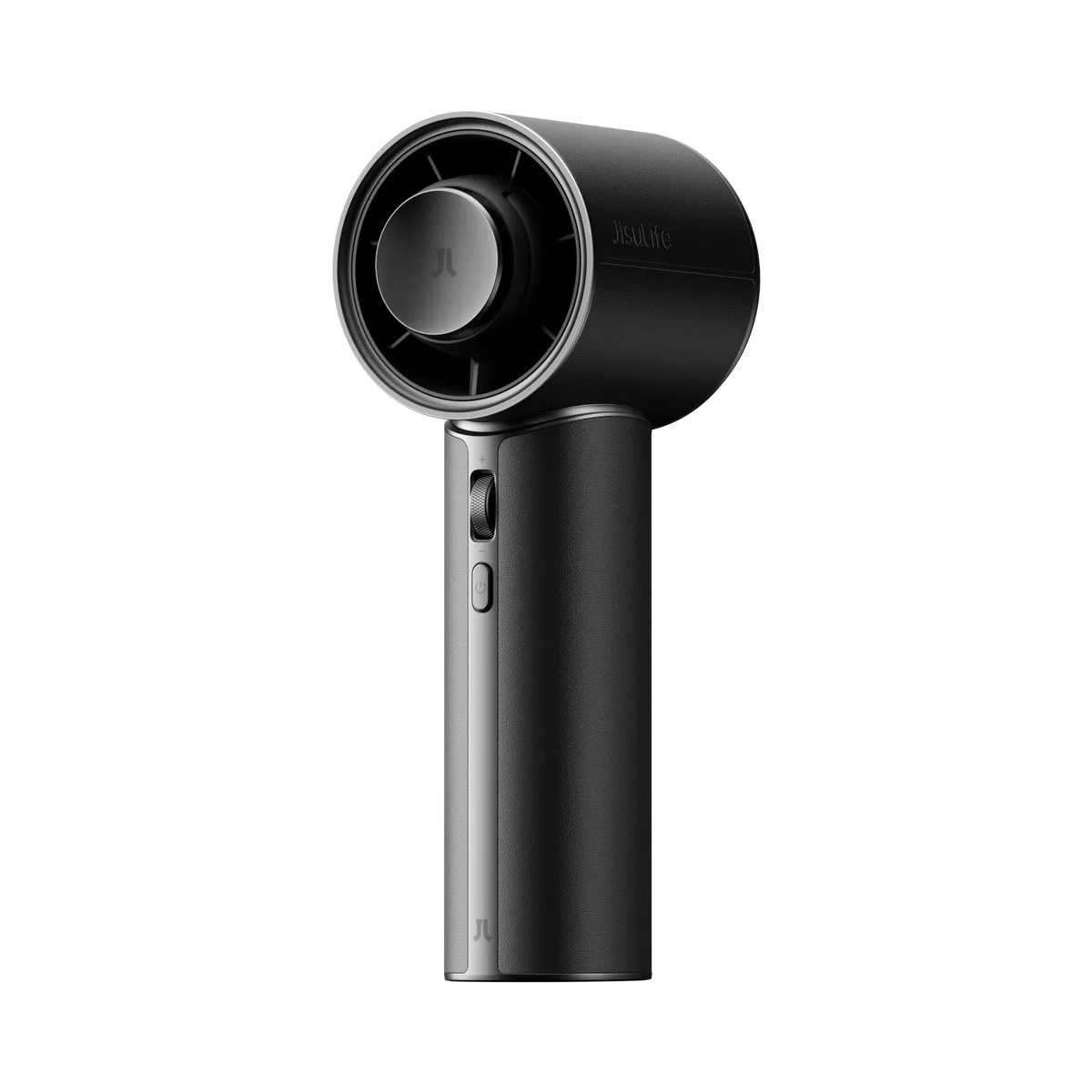
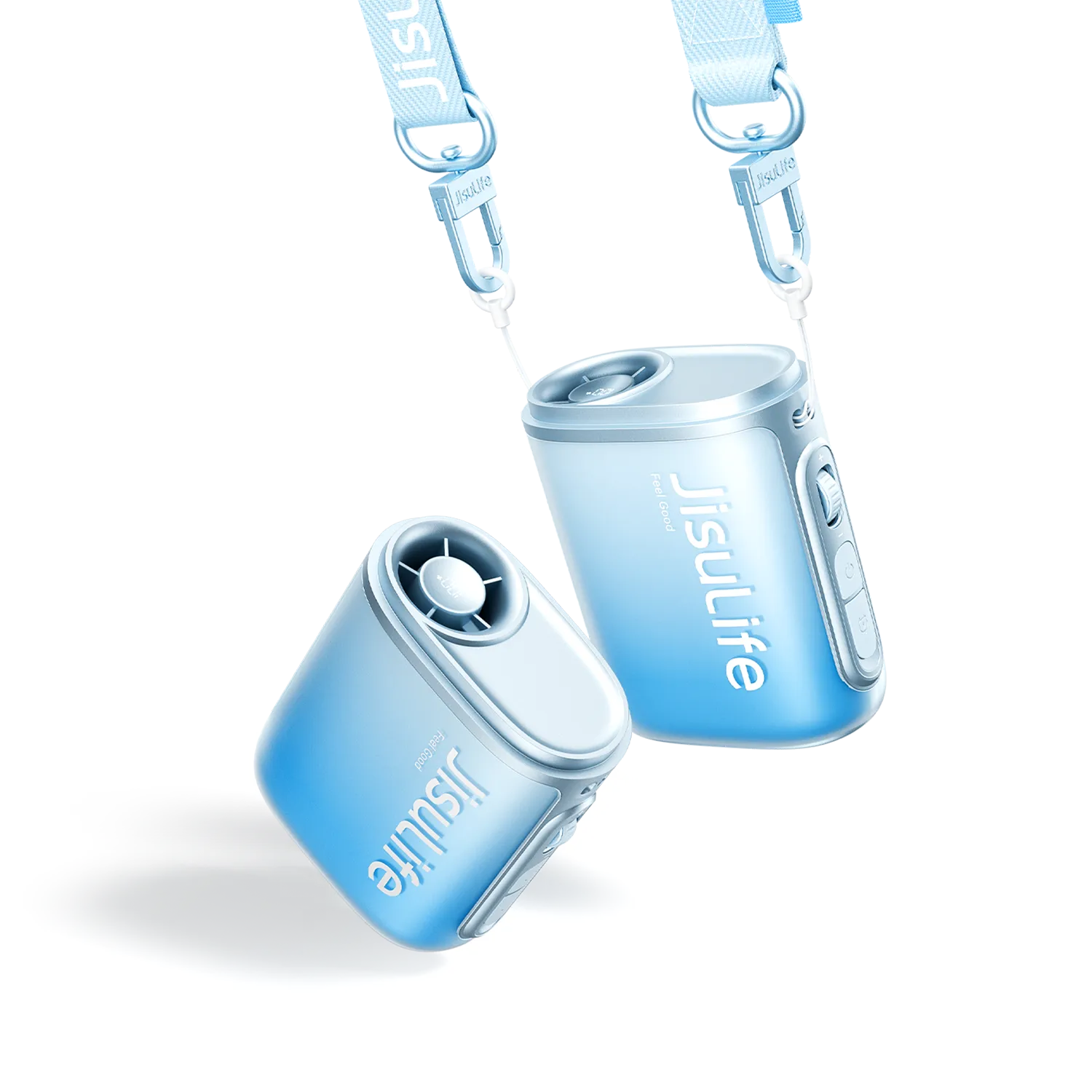
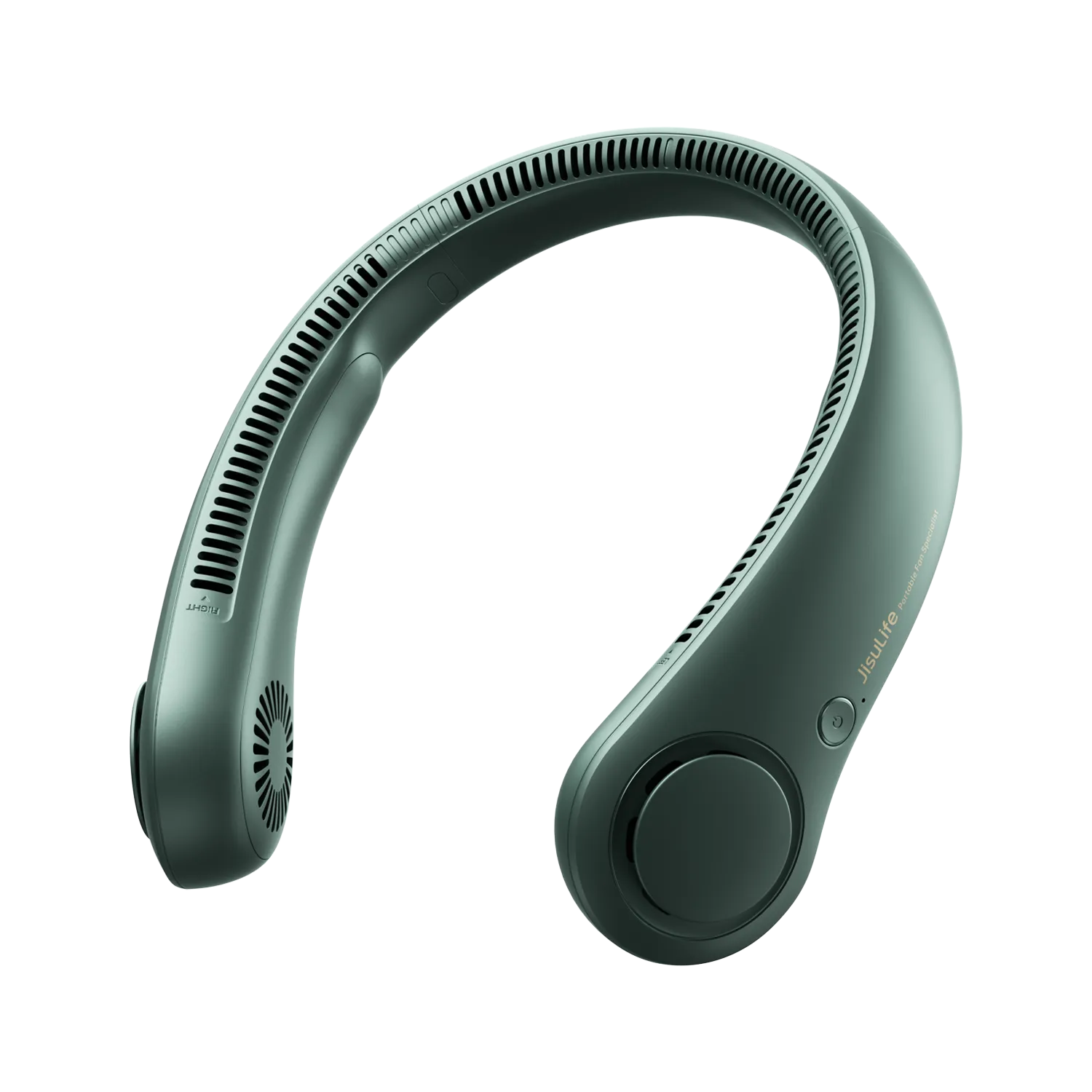
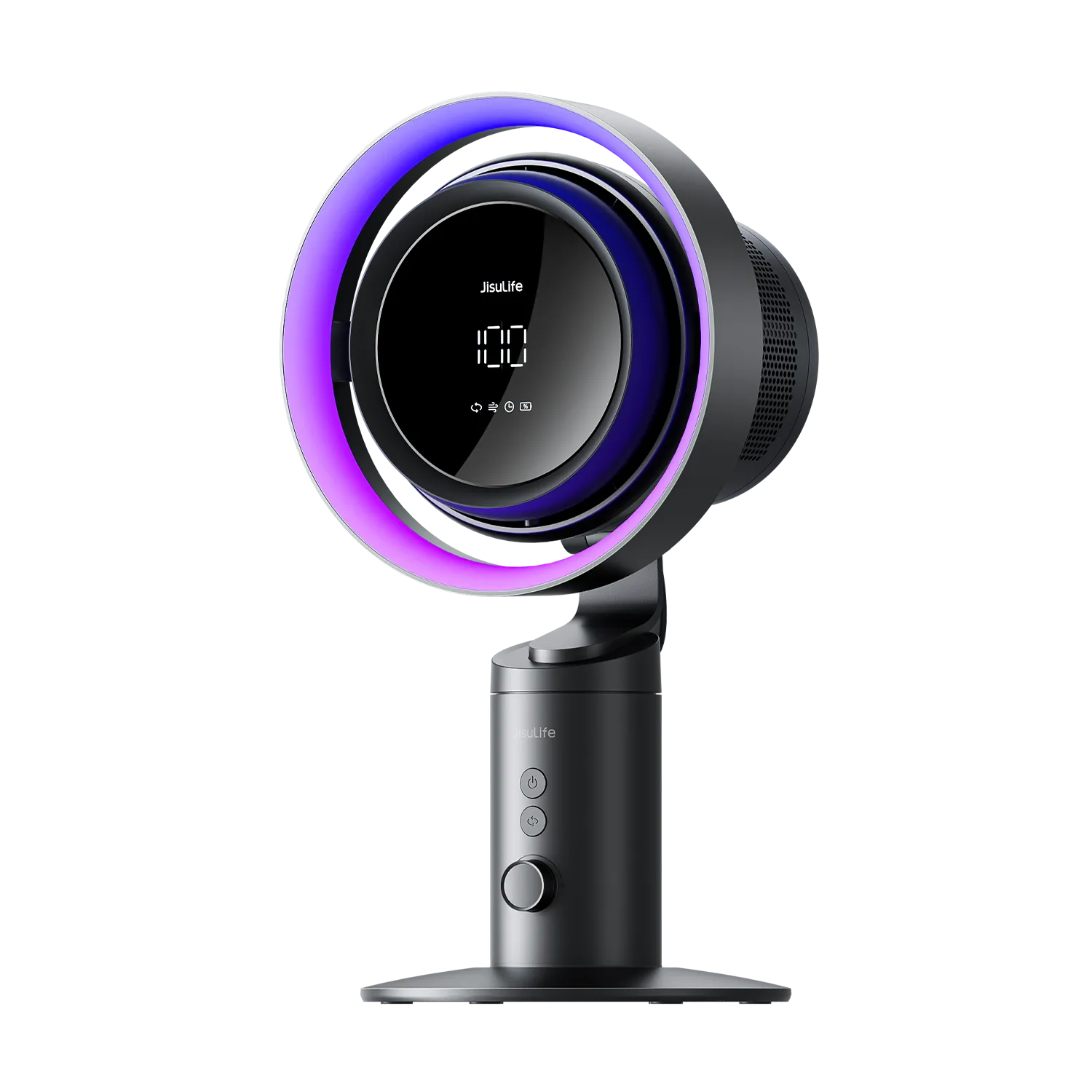
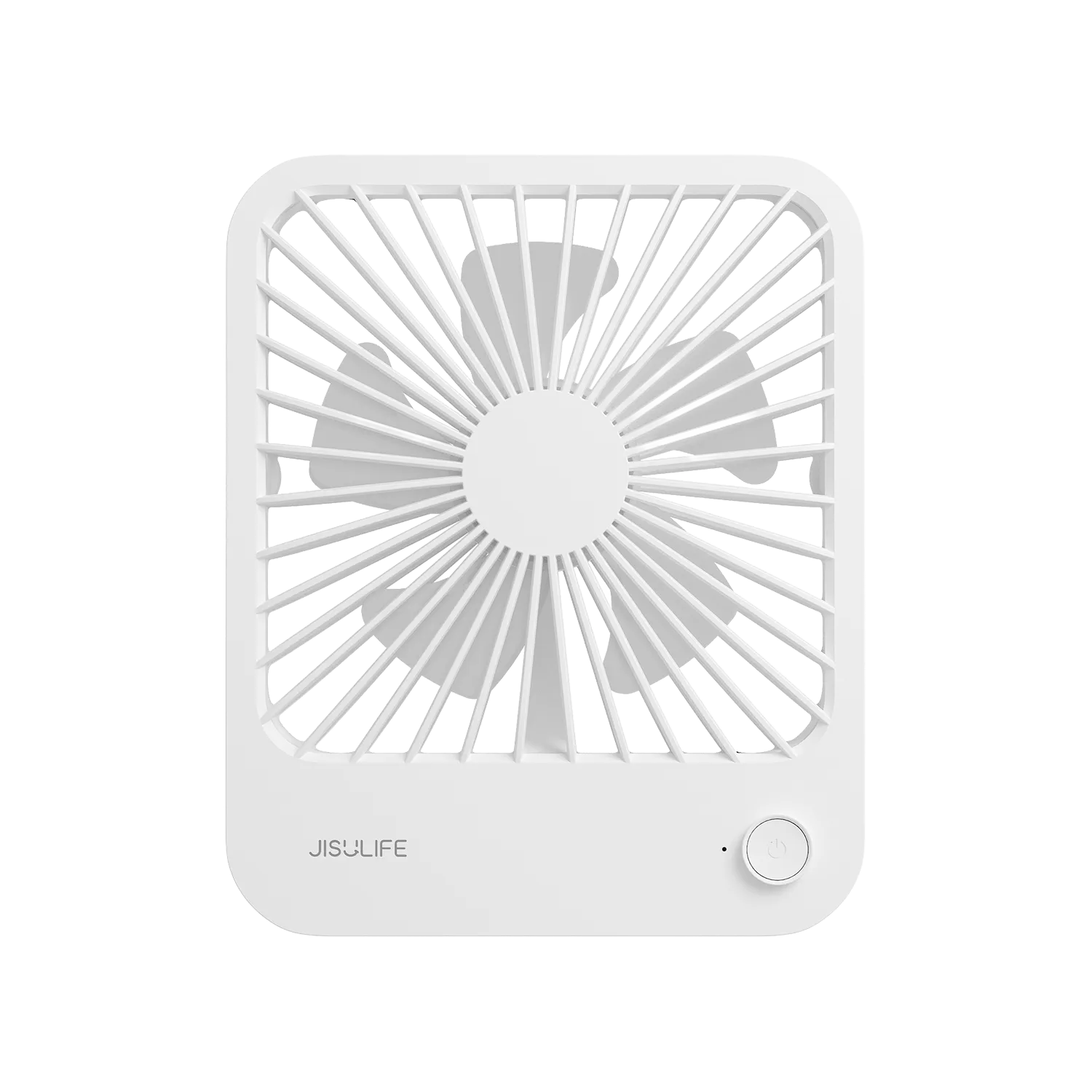
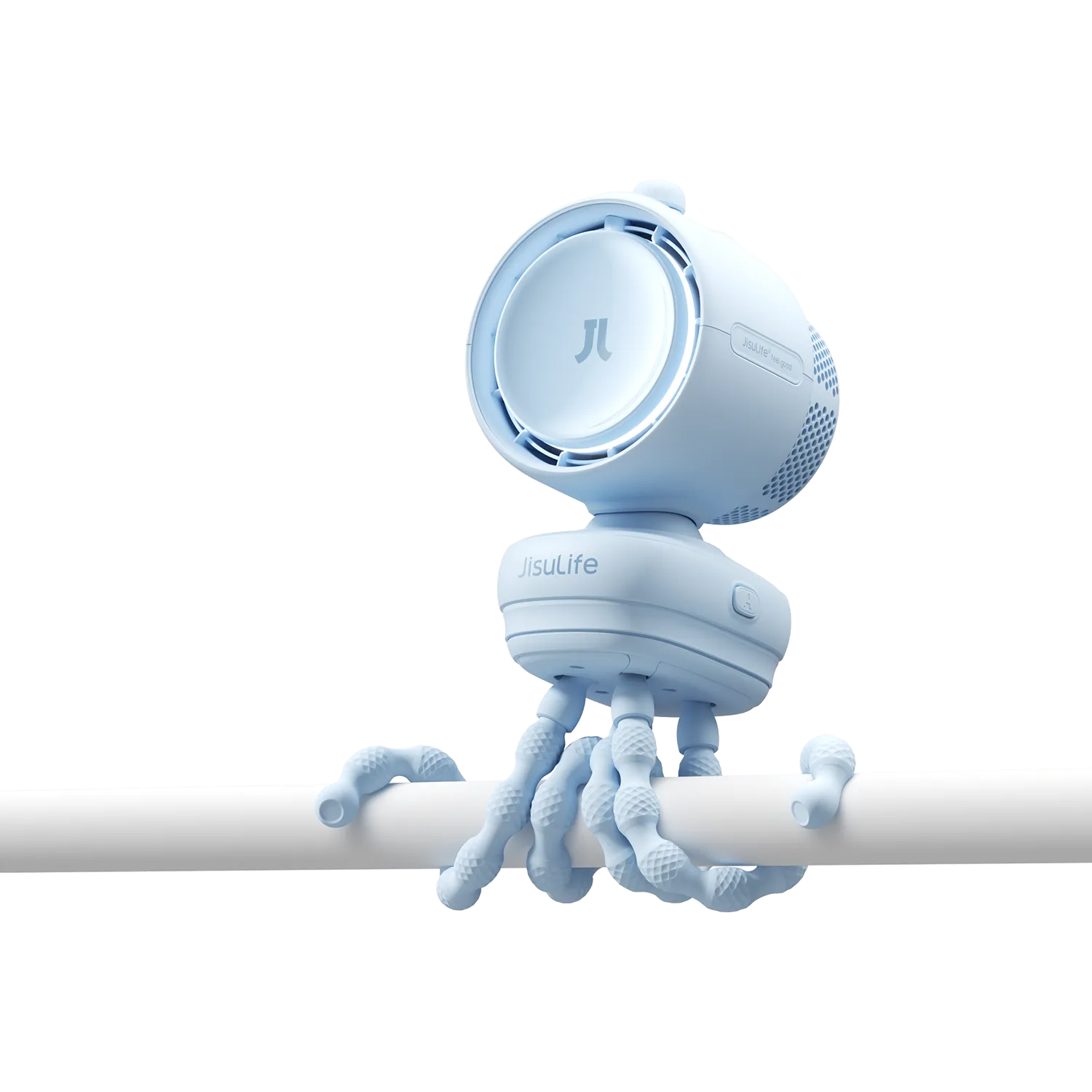
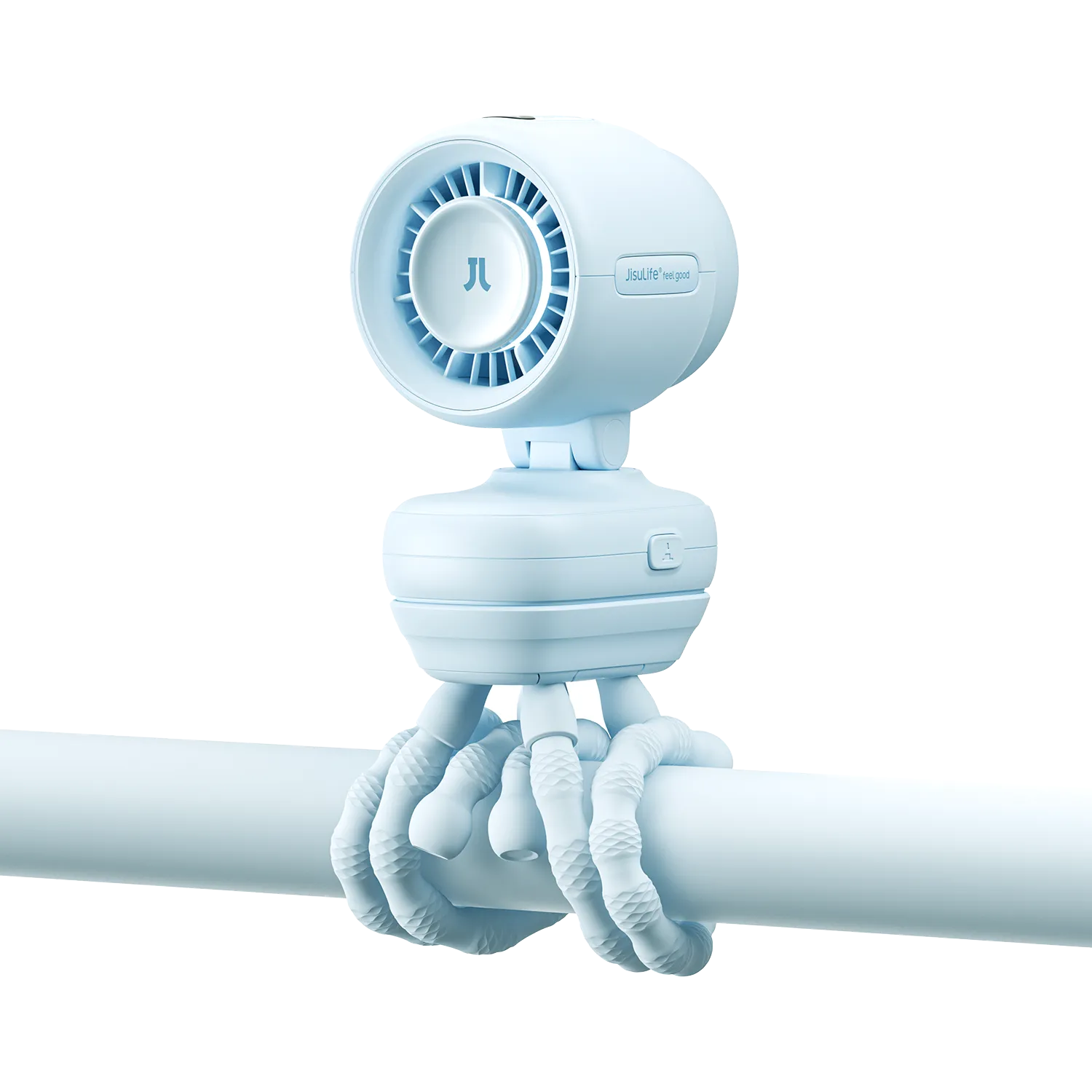

Staying cool while traveling, working outdoors, or sitting in a stuffy room has never been easier. A USB-C rechargeable fan solves the old problem of running out of battery at the worst moment. With fast charging now built into many portable fans, you can top up quickly and get back to staying comfortable. Here is what you need to know before buying one.
Why USB-C Has Changed the Portable Fan Market
Not long ago, portable fans relied on outdated micro-USB ports or disposable batteries. Charging was slow, cables were easy to lose, and battery life felt unpredictable. The shift to USB-C changed all of that.
USB-C delivers more power in less time. The connector is reversible, so there is no fumbling to plug it in correctly. Most people already carry a USB-C cable for their phone or laptop, which means one fewer cable in your bag.
A USB-C rechargeable handheld fan also benefits from the broader ecosystem of fast charging technology. Many newer fans support charging speeds of 18W or higher, cutting charge times significantly compared to older standards.
The Convenience Factor
Speed matters when you are packing for a trip or heading out the door. A fast charging portable fan that reaches full power in an hour or two fits into a busy schedule much better than one that takes four or five hours.
Compatibility With Everyday Devices
Because USB-C is now standard across phones, tablets, and laptops, sharing a charger between devices is straightforward. This reduces the number of accessories you need to carry.
USB-C Rechargeable Fans vs. Non-USB-C Options
A comparison of the two types makes the advantage of USB-C clear.
Fans with micro-USB connectors or special chargers experience several inconveniences. They require a separate charger for each device. If you misplace the charger, the fan will be useless until you find the charger. Disposable battery fans are even worse. They are more expensive in the long run, and equally useless the moment the battery dies.
Non-USB-C fans also take a long time to charge. A micro-USB fan, for example, will take five to six hours to fully charge. It is very inconvenient when you want to use your fan but it has not yet fully charged.
Charging Speed Comparison
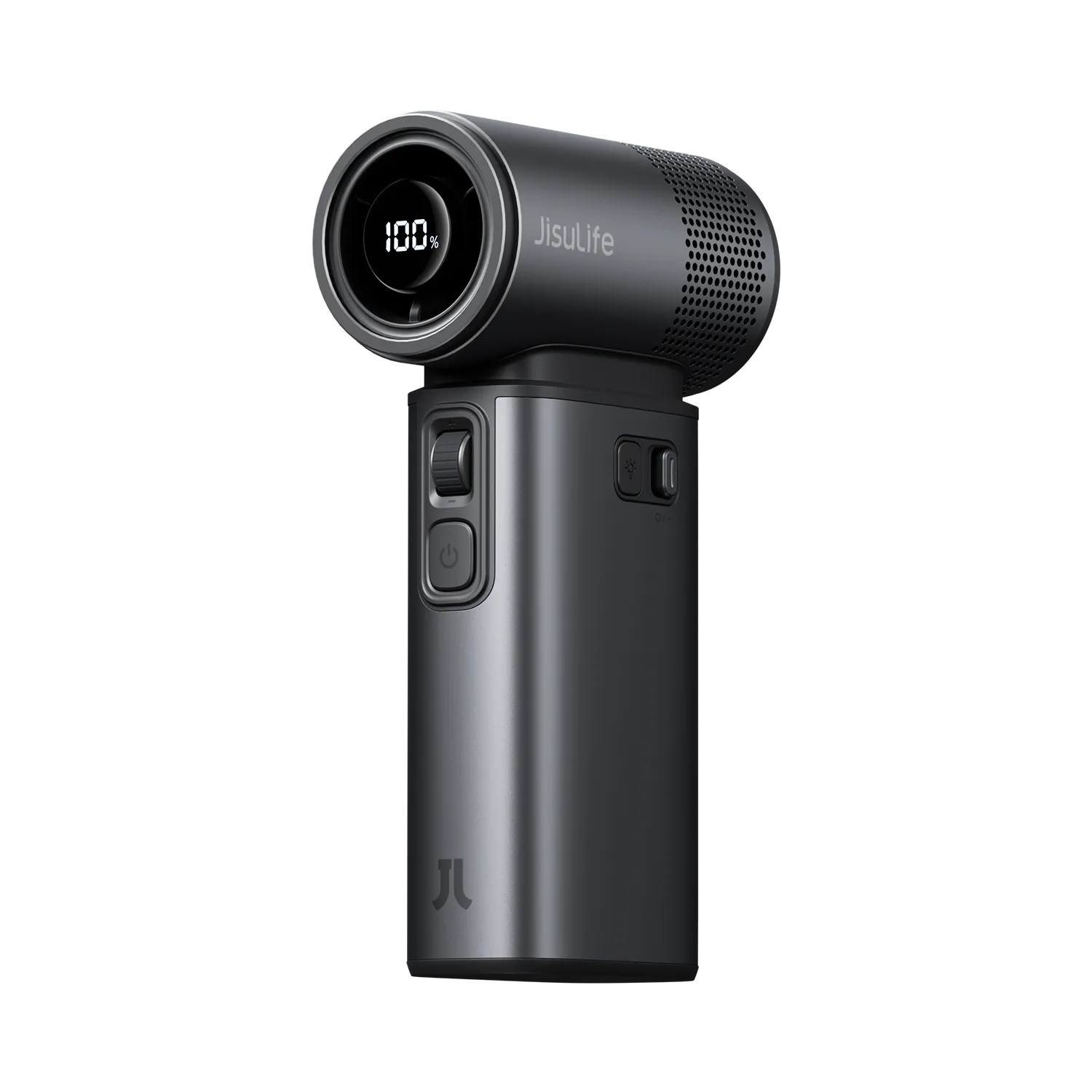
A fast-charging portable fan, which comes with a USB-C cable, can be charged within 1-2 hours. This is in comparison to a similar product, which uses a micro-USB cable and can be charged within 3-5 hours. This is a huge difference, especially if you are always on the go. The JisuLife Handheld Fan Pro1S, for instance, supports 18W fast charging and reaches a full charge in as little as 1.5 hours, while its 5,000mAh battery delivers up to 40 hours of runtime on a single charge — a strong example of how far fast-charging portable fans have come.

Cable and Charger Compatibility
When it comes to cable and charger compatibility, USB-C rechargeable fans truly excel. You don’t need a cable that is specific for your fan. The cable that you use to charge your phone, earbuds, or laptop can be used to charge your fan. This is very convenient because you don’t have to worry about leaving it behind.
Long-Term Cost and Convenience
Disposable battery fans may seem like they save you money at first. They don’t require you to buy a special cable or batteries. However, after six months or a year of using the fan, the cost savings of a USB-C rechargeable fan can be significant.
Key Features to Look for in a Fast Charging Portable Fan
Choosing the right fan involves more than just picking the one with the longest battery life. Several features work together to determine how useful a fan actually is day to day.
| Feature | What to Look For |
| Charging speed | 18W or higher for fast top-ups |
| Battery capacity | 5,000mAh or above for all-day use |
| Fan speeds | At least 3 settings |
| Weight | Under 500g for easy carrying |
| Noise level | Below 45dB for quiet environments |
| Blade design | Bladeless or enclosed for safety |
Battery Capacity vs. Charging Speed
These two features are often confused. Battery capacity tells you how long the fan will run. Charging speed tells you how fast it refills. A large battery with slow charging can still leave you waiting a long time. A smaller battery with fast charging may suit you better if you have regular access to a power source.
Airflow and Speed Settings
More speed settings give you more control. A fan with only two settings tends to feel either too strong or too weak. Three or more settings let you find a comfortable airflow for different situations, whether you are sleeping, working, or exercising outdoors.
How to Charge Your USB-C Rechargeable Fan the Right Way
Charging habits affect battery health over time. A few simple practices can extend the lifespan of your USB-C rechargeable fan by months or even years.
The 80/20 Battery Rule Explained
The 80/20 battery rule suggests keeping your battery charged between 20% and 80% for daily use. Charging to 100% every time or letting the battery drain to 0% puts extra stress on the cells. Over hundreds of charge cycles, this stress adds up and reduces total battery capacity.
For most fans, this means plugging in before the battery gets too low, and unplugging before it reaches full. Some fans have a charging indicator that makes this easy to monitor.
Using the Right Charger
Not every USB-C charger delivers the same output. Using a charger that supports the same fast charging standard as your fan will give you the fastest results. A basic 5W charger will still work, but it will charge much more slowly.
Using Your Fan Overnight: What to Know
Many people wonder whether it is safe to run a fan through the night. The answer depends on the fan model and battery size.
How Long Can You Leave a USB Fan On Overnight?
Most USB-C fans with a 5,000mAh to 10,000mAh battery can run for six to twelve hours on a low or medium setting. A full night of sleep is typically seven to eight hours, so a mid-range battery should last through the night on a lower speed.
Running the fan plugged in while charging is possible with some models, but it is worth checking the product specifications. Continuous charging while in use can generate heat, which is not ideal for battery longevity.
Leaving any electronic device running unattended carries a small amount of risk. Choosing a fan with overcharge protection and auto shut-off features reduces that risk considerably.
DIY Cooling Tips: Do They Actually Work?
People often try to boost fan performance with household methods. Two popular ones come up frequently.
Does Putting a Bucket of Ice in Front of a Fan Work?
Yes, it does, to a degree. Placing ice or a bowl of ice water in front of a fan pushes cooler, slightly humidified air into the room. The effect is more noticeable in a small, enclosed space. In a large open room, the impact is minimal. It also creates a puddle as the ice melts, so placement matters.
This method works best as a short-term fix, not an all-night solution.
Does Putting a Wet Towel Over a Fan Make It Cooler?
A damp towel draped over a fan can lower the air temperature slightly through evaporative cooling. The water evaporates as air passes through, and that process absorbs heat from the air.
However, this approach has clear downsides. It can strain the fan motor, reduce airflow significantly, and may create mold or mildew if the towel stays damp for extended periods. Using it briefly on a very hot day is generally fine, but it is not a habit worth building.
Pros and Cons of USB-C Rechargeable Fans
Every product has trade-offs. Here is an honest look at both sides.
The advantages are significant. Fast charging cuts downtime. Universal USB-C compatibility means fewer cables. Rechargeable batteries reduce waste compared to disposable options. Portable designs make these fans genuinely useful on the go.
The limitations are worth noting too. Battery-powered fans generally move less air than plug-in fans of the same size. Higher-capacity models tend to be heavier.
Checking wattage specifications before buying is a simple way to avoid disappointment.
Stay Cool Wherever You Go
A decent USB-C rechargeable fan is a valuable accessory for anyone who is not near air conditioning. Commuters, campers, and those who need a fan to sleep through a hot night can all appreciate a good fan. Choose a fan based on battery size, charging speed, and fan speed, and you will have a reliable cooling companion for years.
FAQs about USB-C rechargeable fans
Q1: How Long Can a USB-C Rechargeable Fan Run on a Single Charge?
Most models run for six to twelve hours on a single charge, depending on the battery size and fan speed. A 10,000mAh battery at low speed can last through the night. Higher speeds drain the battery faster.
Q2: Is Fast Charging Safe for Portable Fan Batteries?
Fast charging is safe when using a compatible charger and a fan designed to support it. Quality fans include built-in protection against overheating and overcharging. Using a mismatched charger can cause slow charging or, in rare cases, damage the battery.
Q3: Can I Use My Phone Charger to Charge a USB-C Fan?
Yes, in most cases. Any USB-C charger will physically connect and charge the fan. Whether you get fast charging depends on whether both your charger and fan support the same charging standard. A basic charger will still work, just more slowly.
Q4: What Is the Best Way to Extend the Life of My Fan's Battery?
To make your fan battery last longer, it is recommended that you keep your battery between 20% and 80% charged. This is because allowing it to drain to 0% repeatedly is not recommended. When not in use, it is recommended that you keep your fan in a cool, dry place and avoid keeping it plugged in all the time even if it is fully charged.
Q5: Are Bladeless USB-C Fans Better Than Traditional Bladed Ones?
Yes, they are better. Bladeless USB-C fans have many advantages, including safety, as they are safe for use by children and pets since they are not exposed to moving blades, which can cause injury. They are also quiet and can be used for sleeping and in a shared space. The airflow from a bladeless fan is smoother and not choppy, making it better for daily use.



Leave a comment
All comments are moderated before being published.
This site is protected by hCaptcha and the hCaptcha Privacy Policy and Terms of Service apply.